The look of a big-screen animated feature, without the render farm. This style builds characters as actual volumes — rounded forms with soft falloff, skin that catches a warm bounce from nearby surfaces, hair rendered as grouped strands with real thickness. Environments are staged rather than implied, with props, depth, and light that behaves consistently across the whole frame. It suits story moments and character beats rather than isolated portraits. Free on KusArt, no login required.
3D animation style scenes created by the KusArt community. Click any image to see its details and try the same prompt.
Feature animation solves a problem most illustration styles never face: everything in frame has to exist in the same physical space, lit by the same lights. That constraint is what this style reproduces, and it changes how a picture is built. Characters are volumes first — a cheek is a curved surface, not a shape with a shadow drawn on it — so light falls off gradually around forms instead of stopping at a cel boundary. Bounce light is the giveaway detail: a red jacket throws warmth onto the underside of a jaw, a bright floor lifts the shadow under a chin. Hair is grouped into rendered clumps with genuine thickness rather than drawn strands, catching a soft specular along the top. Environments get built rather than suggested, with props at believable scale, depth falloff behind the subject, and shadows that agree with a single light setup. Materials are differentiated the way a render engine differentiates them: cloth is rough and matte, plastic is glossy and tight, skin sits between with subsurface warmth. Expressions stay broad and readable, since feature animation is designed to carry emotion at cinema scale. The result reads as a frame from a film rather than an illustration of one.
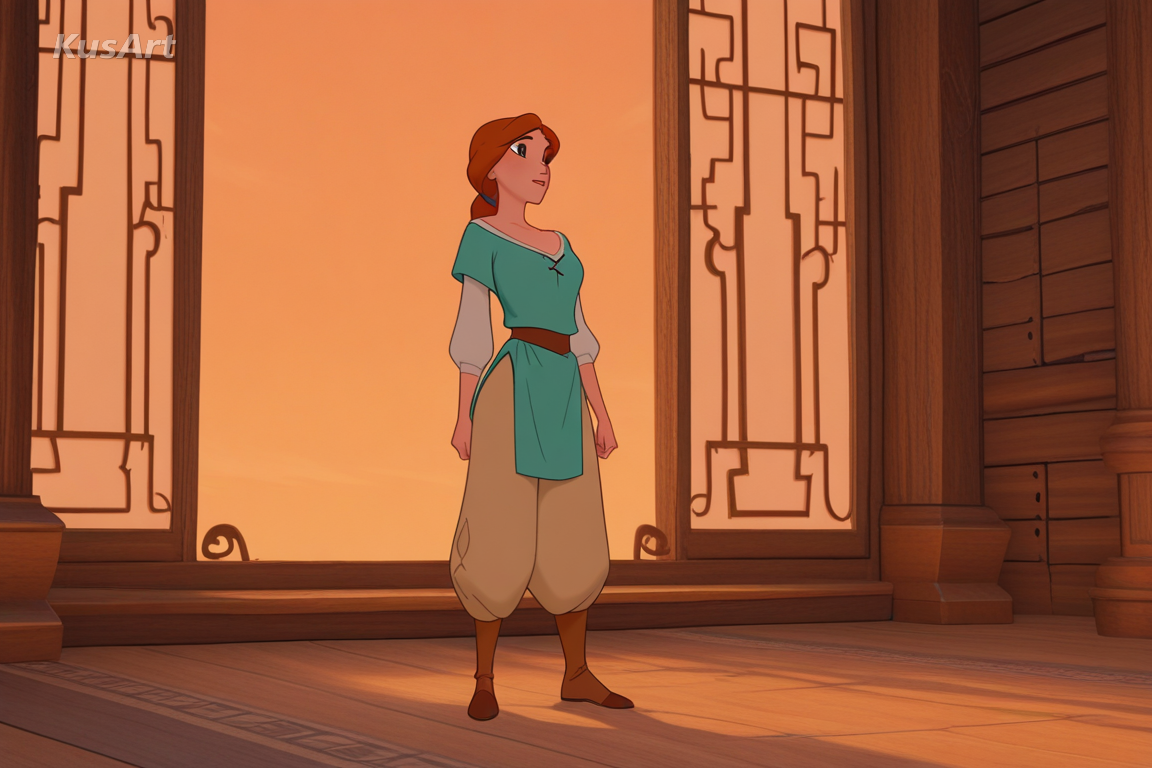
These are the rendering behaviours that make a frame feel like feature animation.
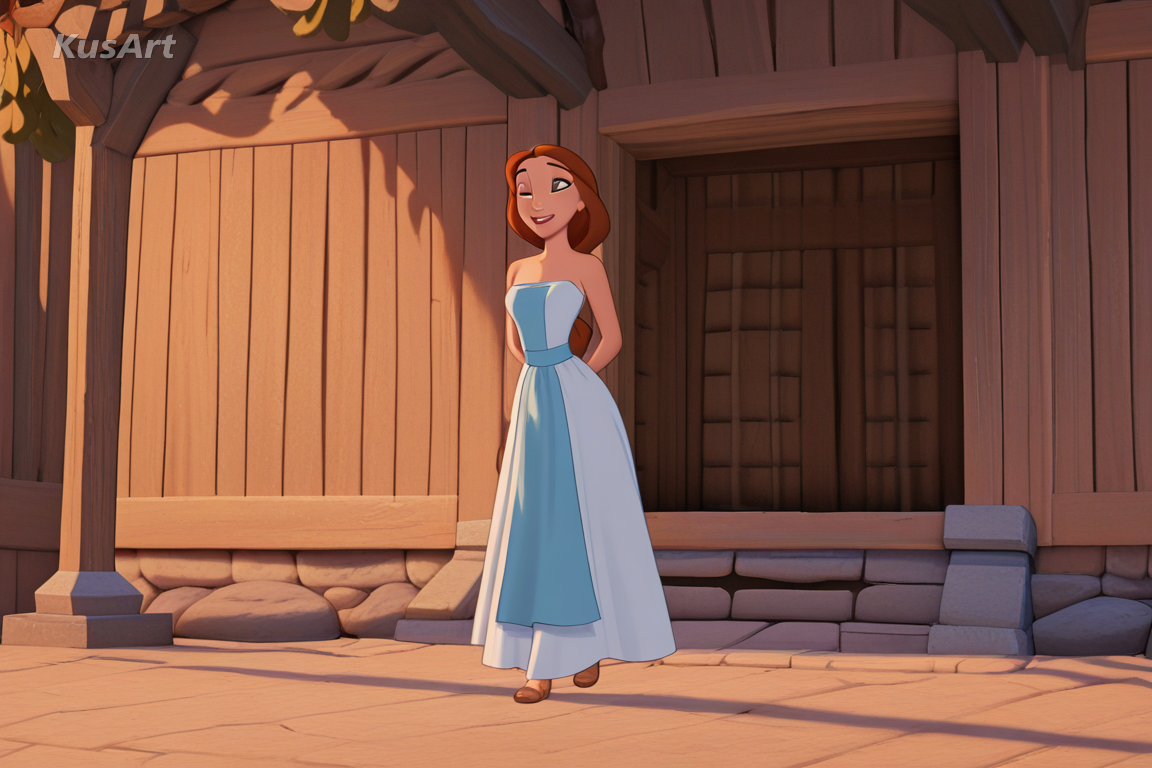
Forms are treated as actual surfaces, so light falls away gradually around a cheek or forearm rather than stopping at a hard cel edge. It is the base layer of the whole look.
Try Volume Rendering →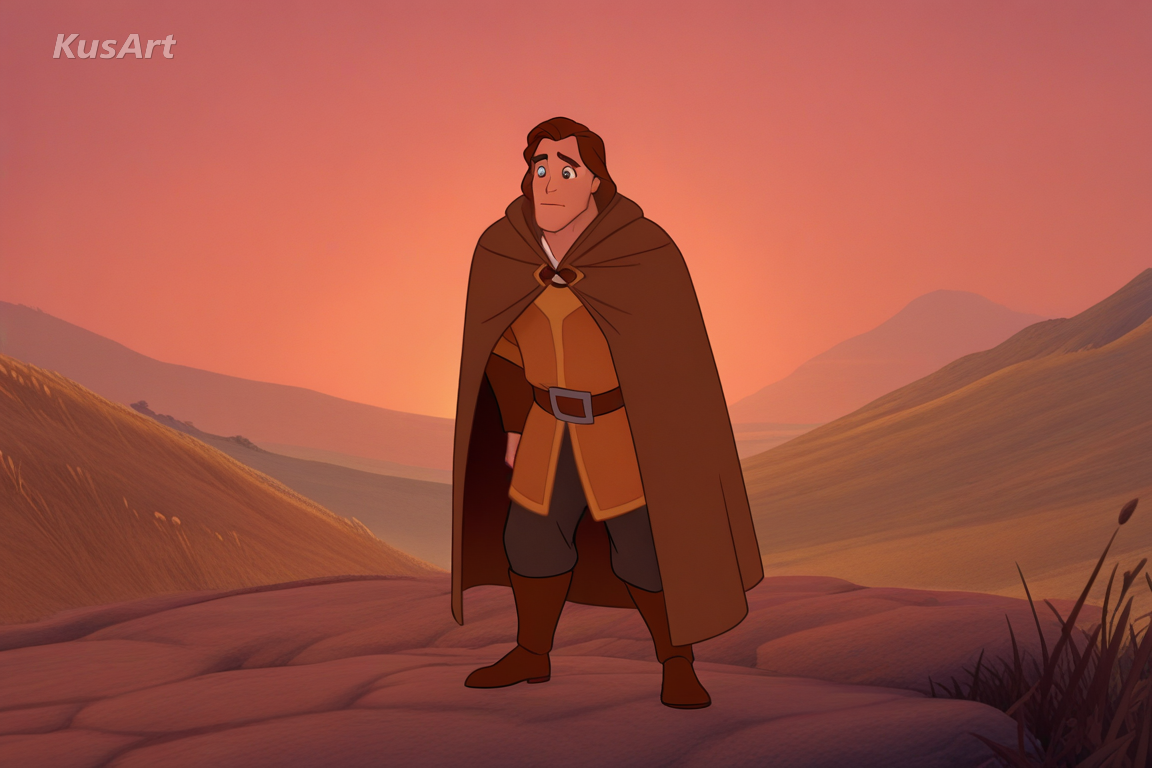
A red jacket warms the jaw above it, a bright floor lifts the shadow under a chin. Bounce light is the detail that convinces the eye everything shares one space.
Try Bounce Light →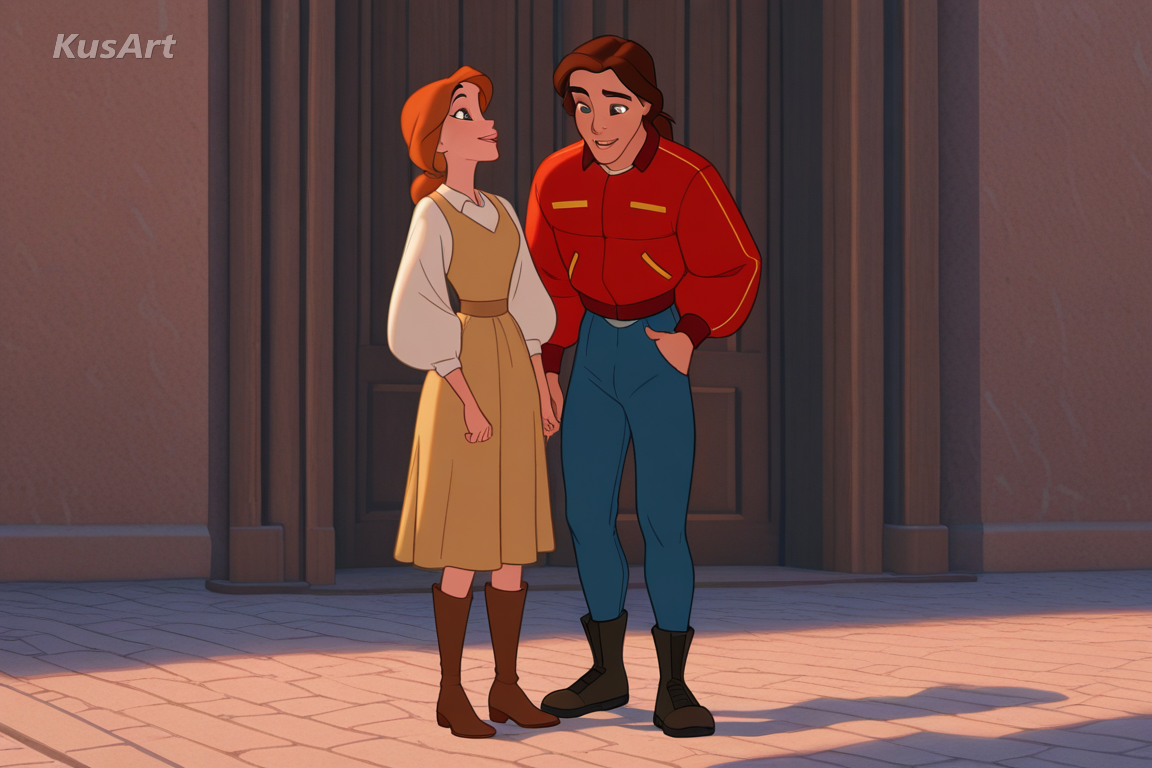
Hair is built from rendered clumps that have real volume and catch a soft specular along the top, rather than being drawn as flat strands.
Try Rendered Hair →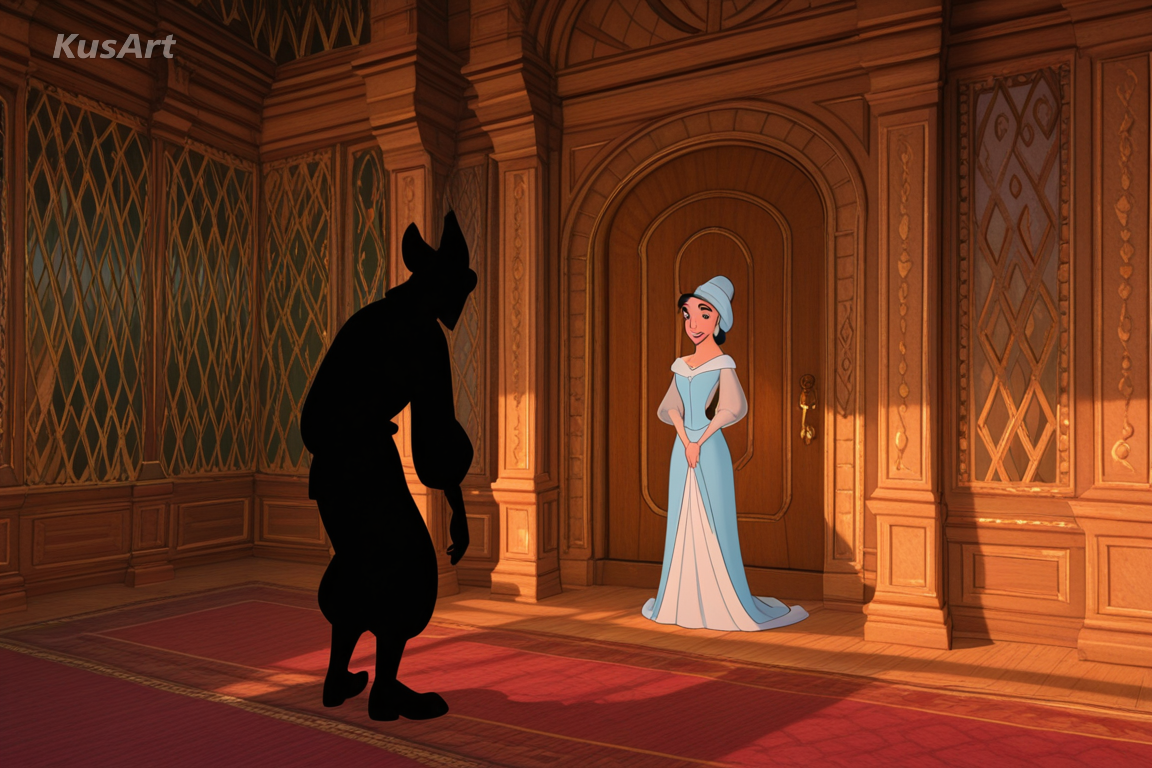
Props sit at believable scale, depth falls off behind the subject, and every shadow agrees with one light setup. The character is in a place, not on a backdrop.
Try Staged Scenes →This style is worth its rendering weight whenever a moment matters more than a pose.
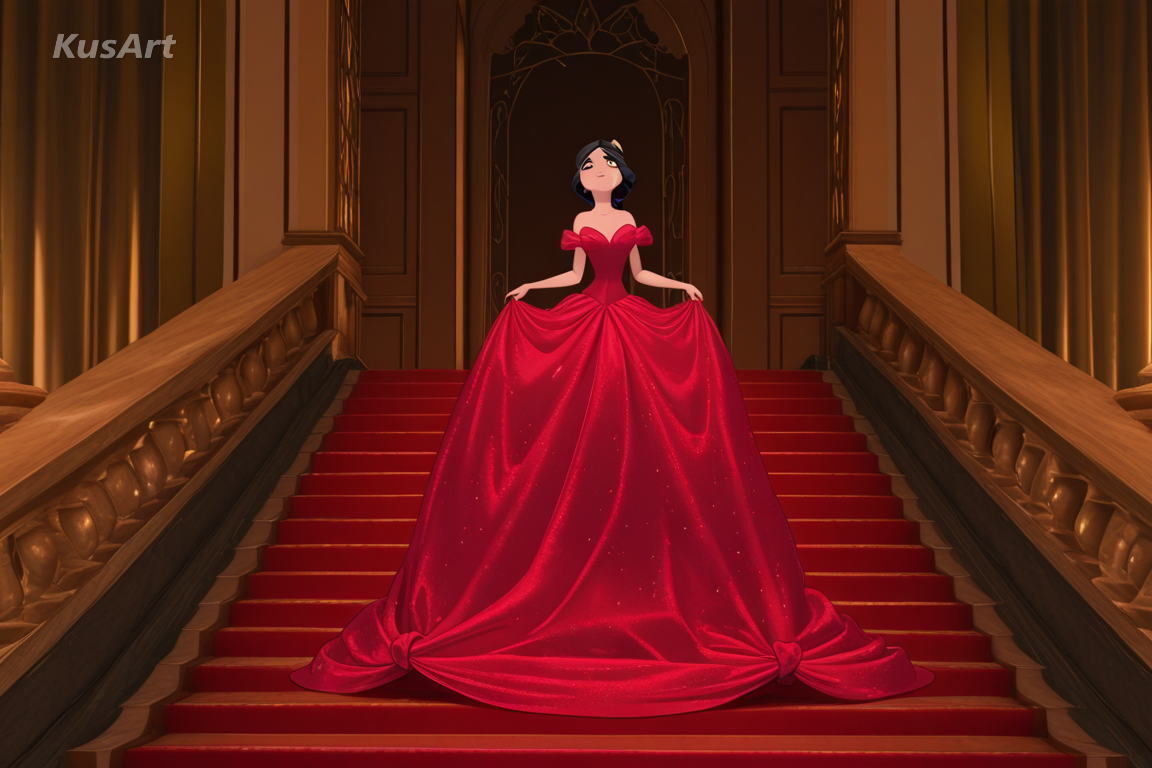
Because environment and lighting are unified, a frame can carry a scene rather than just a character — useful for storyboards and pitch art.
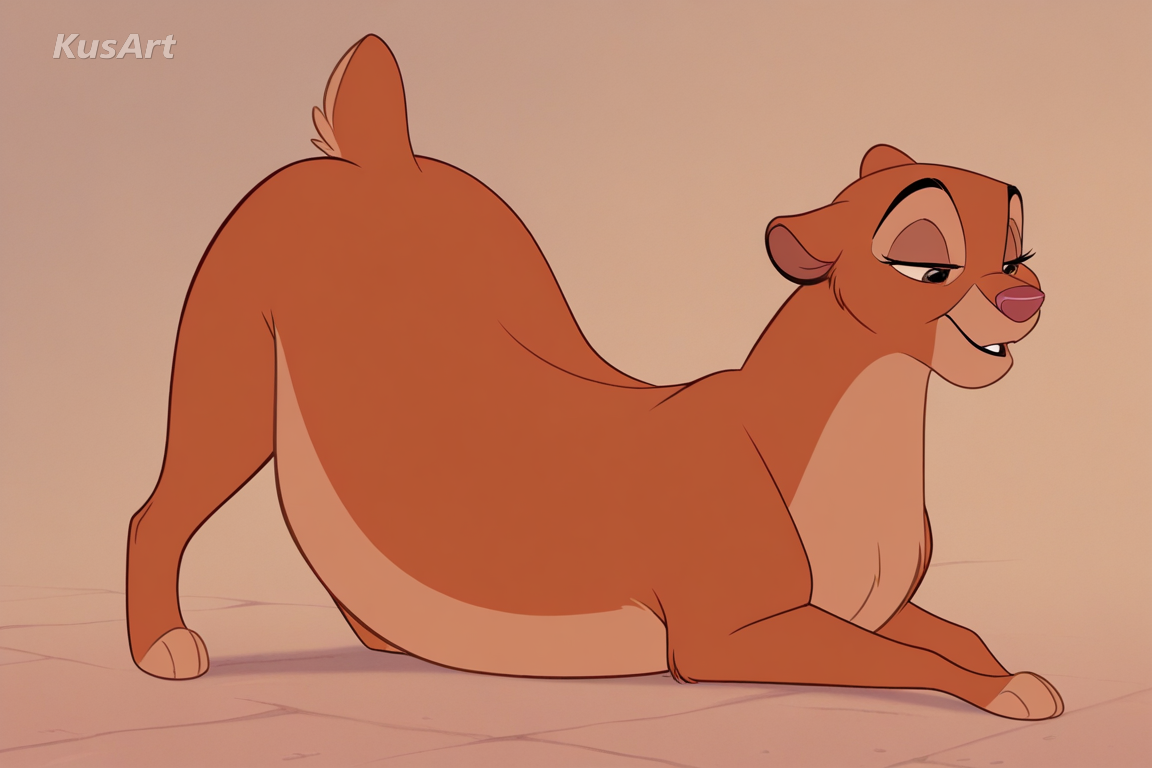
Broad readable expressions and rounded forms are the visual language of mainstream animated features, which makes designs immediately approachable.
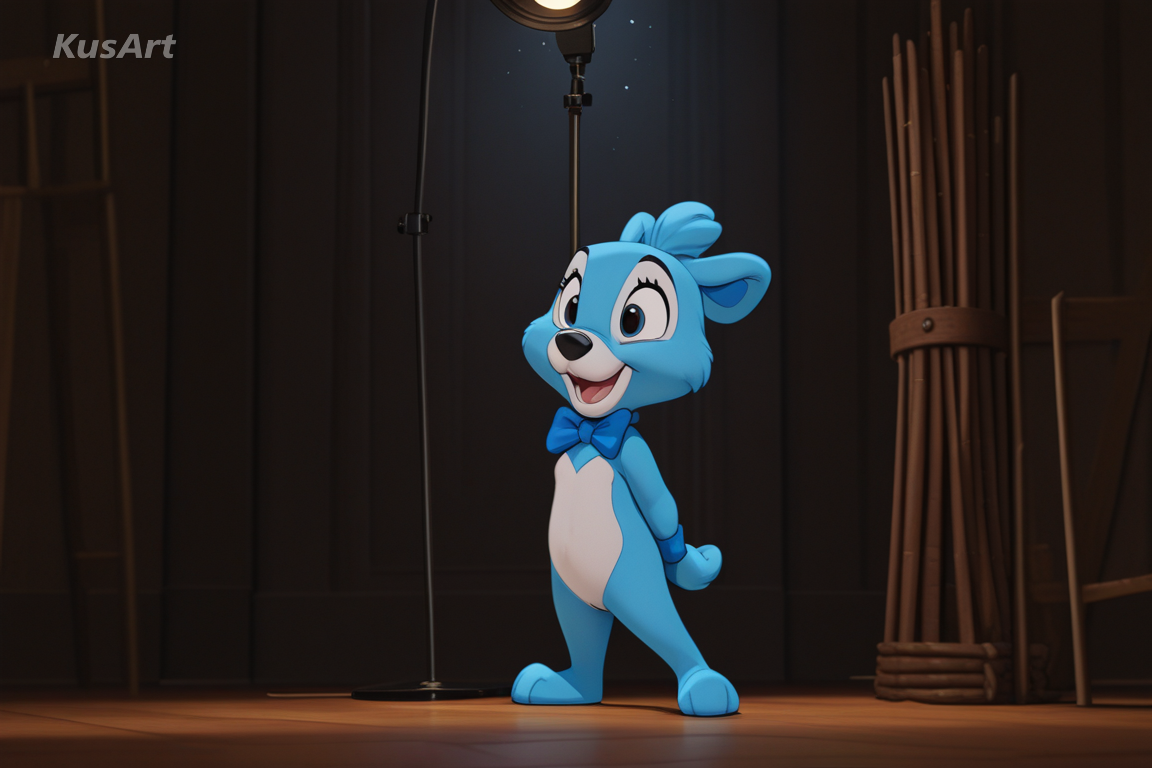
Material differentiation means a mascot rendered here reads as a physical object, useful for previewing toys, plush, and packaging art.
Open the KusArt Image Generator and select 'Classic 3D Animation' from the style panel.
Describe the character and the place together — this style renders environments as first-class subjects.
Name a light source such as 'warm window light' so bounce and shadow have something to obey.
Generate, then use Image to Video if you want the frame to move.
It is the feature-film render look — characters treated as volumes with soft light falloff, colour bounce between surfaces, hair with real thickness, and fully staged environments.
MMD style reproduces the toon-shaded virtual stage look with flat backdrops. This style renders like a feature film: gradual falloff, bounce light, and built environments rather than a stage.
Yes. KusArt offers free AI generation with no login required.
Yes, and it is one of the reasons to pick it. Describe the place alongside the character and the style will stage props, depth, and consistent shadow.
Name a light source and a location. 'Warm window light, cluttered workshop' will do more for the render than a list of character adjectives.
It does. Material differentiation makes plush, plastic, and fabric read distinctly, which is useful for previewing merchandise.
Use Classic 3D Animation when you want feature-film 3d rendering with soft volumes, bounced light, and full environment staging. It is especially useful for story moments and character beats, family-friendly character design, and product and mascot visualisation.
Start with Image Generator for the fastest prompt-first workflow. If your goal is a profile picture or avatar, Anime PFP Maker is usually the better fit. If you want to build a more structured original character workflow, move into OC Generator.
This style is worth its rendering weight whenever a moment matters more than a pose. After your first strong result, you can carry the same look into Image to Video, OC Generator, and AI Dance Generator.
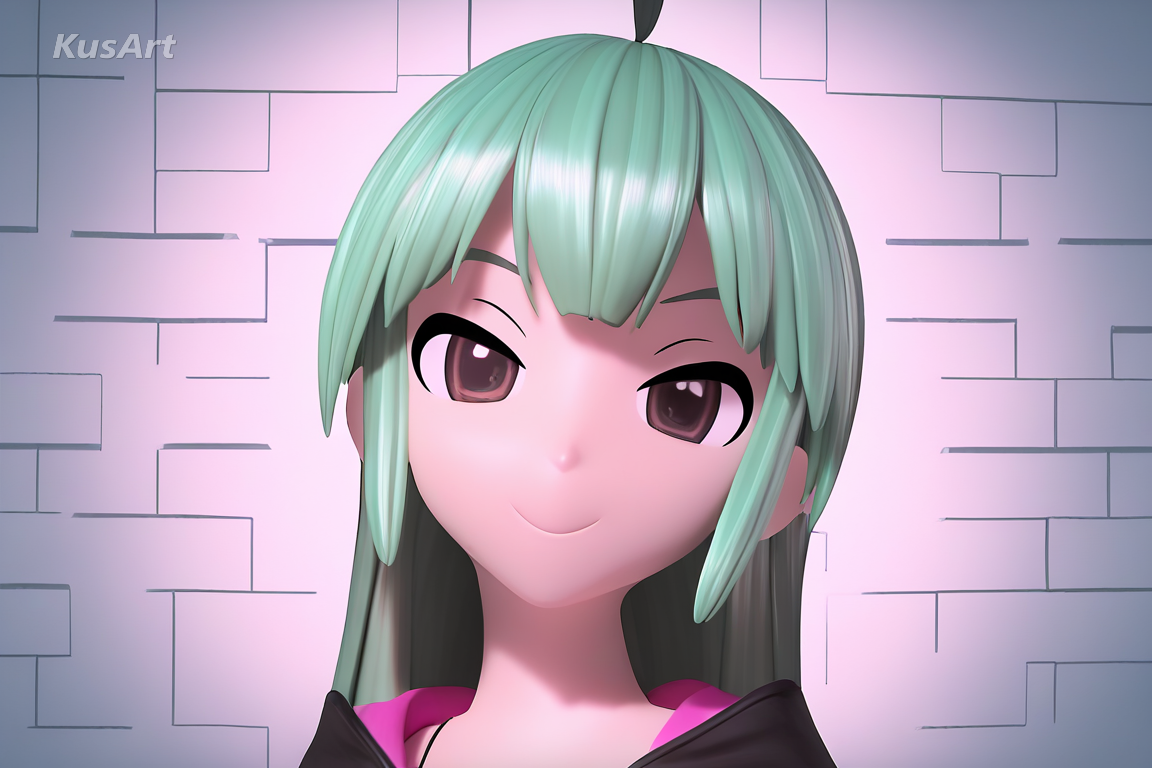
Glossy 3D-model rendering with smooth toon shading and stage lighting, built to look like an MMD capture.
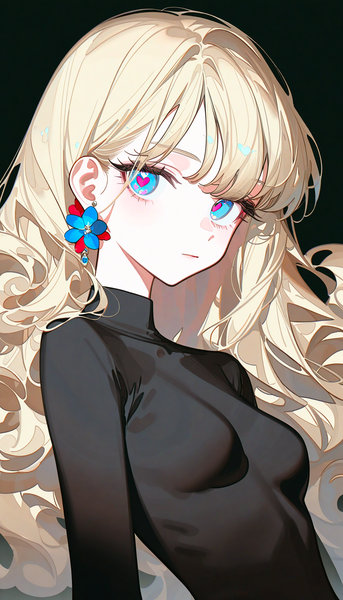
A high-gloss, refined rendering style that produces crisp anime illustrations with smooth shading and vivid color depth.
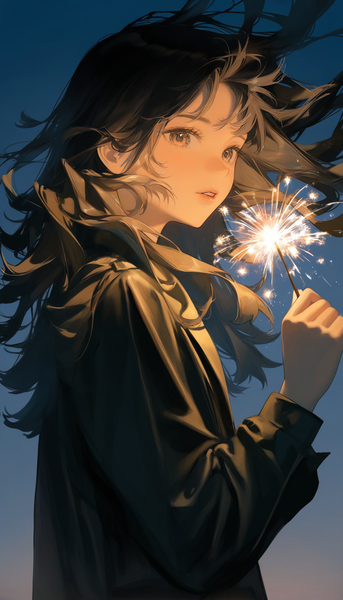
Painterly, film-like atmosphere with dramatic rim lighting and golden-hour color grading for naturalistic character illustration.
Generate feature-film style animated art in seconds — free, no login required.
Includes 100 free credits daily