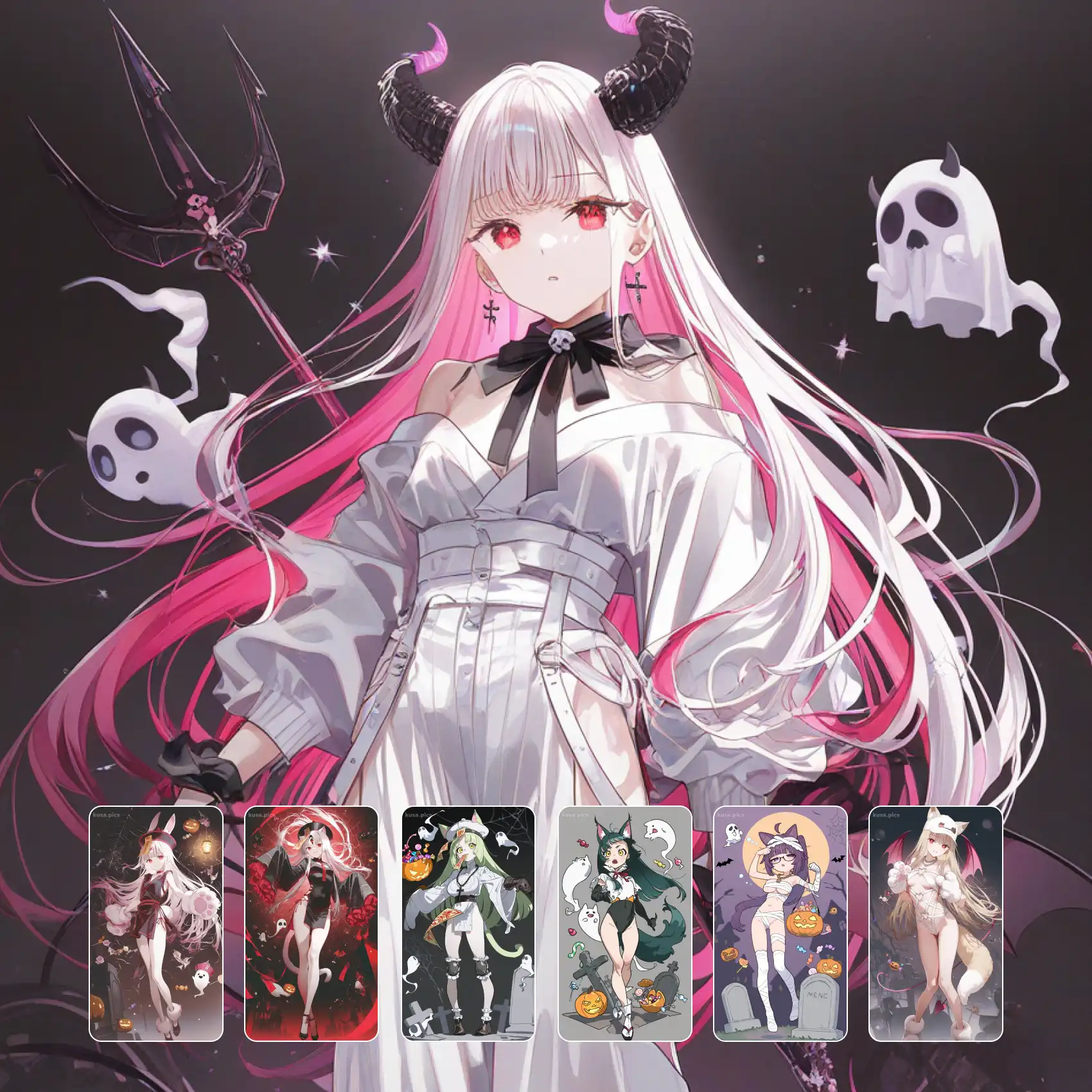
Get the look of a MikuMikuDance capture without opening a single modelling tool. MMD style renders read as real 3D — plastic-smooth skin with a soft specular sheen, hair sculpted into glossy separated chunks, clothing that hangs with actual volume rather than drawn folds. Stage lighting sits behind it all: a key light, a rim, and that characteristic soft floor bounce you get from a virtual stage. Ideal for dance-video stills, avatar concepts, and figure-style character shots. Generate free on KusArt, no login required.
MMD style 3D renders made by the KusArt community. Click any image to see its details and try the same prompt.
MMD style sits in a specific gap: it is not photoreal 3D and it is not drawn anime — it is the toon-shaded model look that grew out of MikuMikuDance and virtual stage culture. Surfaces are the giveaway. Skin renders plastic-smooth with a wide, soft specular highlight rather than the matte flatness of cel art, and it curves the way a model surface does, catching light along the cheekbone and collarbone in one continuous sweep. Hair is the second tell: instead of drawn strands it forms into separated glossy chunks, each with its own hard highlight band, exactly how layered mesh hair reads under a stage light. Clothing carries genuine volume — sleeves are tubes, skirts are cones, and folds appear where geometry would actually crease rather than where an illustrator would place them. Lighting follows stage convention: a warm key, a cool rim to separate the figure from the backdrop, and a soft bounce from below that lifts the underside of the chin and skirt. Backgrounds tend toward gradient sweeps or simple stage floors, keeping the model as the subject the way a dance capture would.
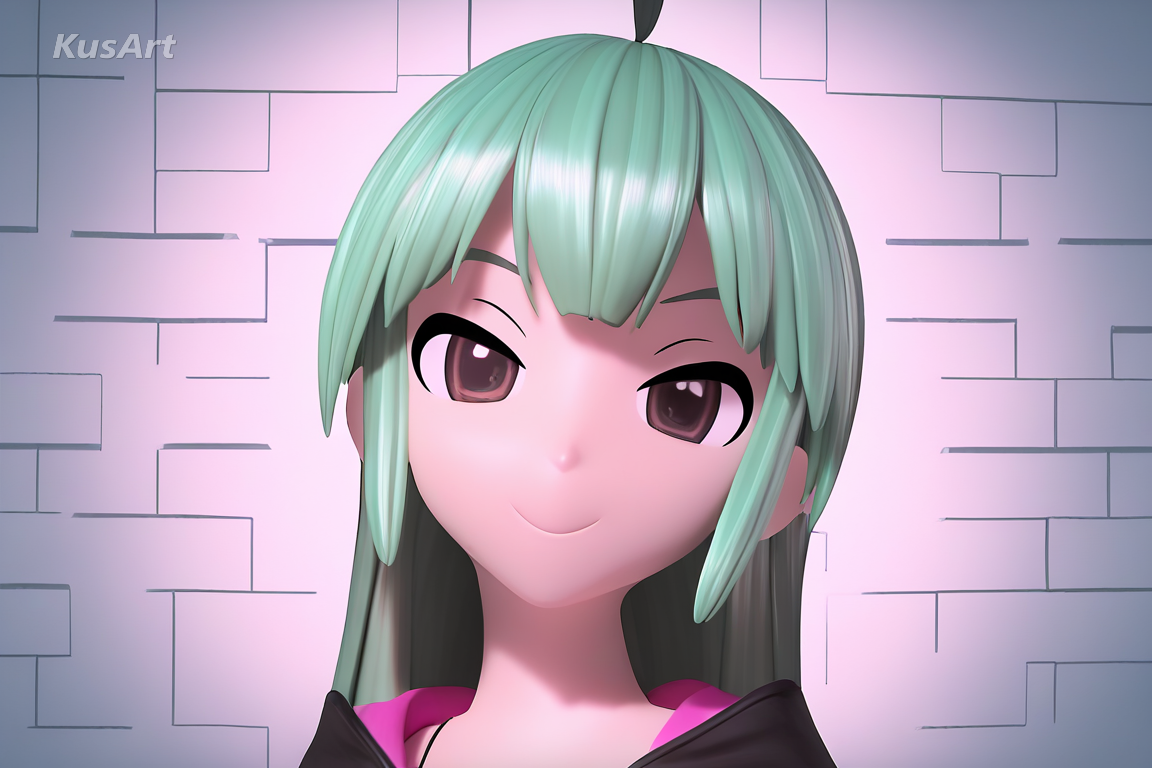
These four traits are what separate a convincing model render from drawn anime art.
Skin renders with a wide soft specular sweep that follows the curve of the form, the way a shaded 3D surface does. It is the single strongest signal that you are looking at a model rather than an illustration.
Try Toon Surfaces →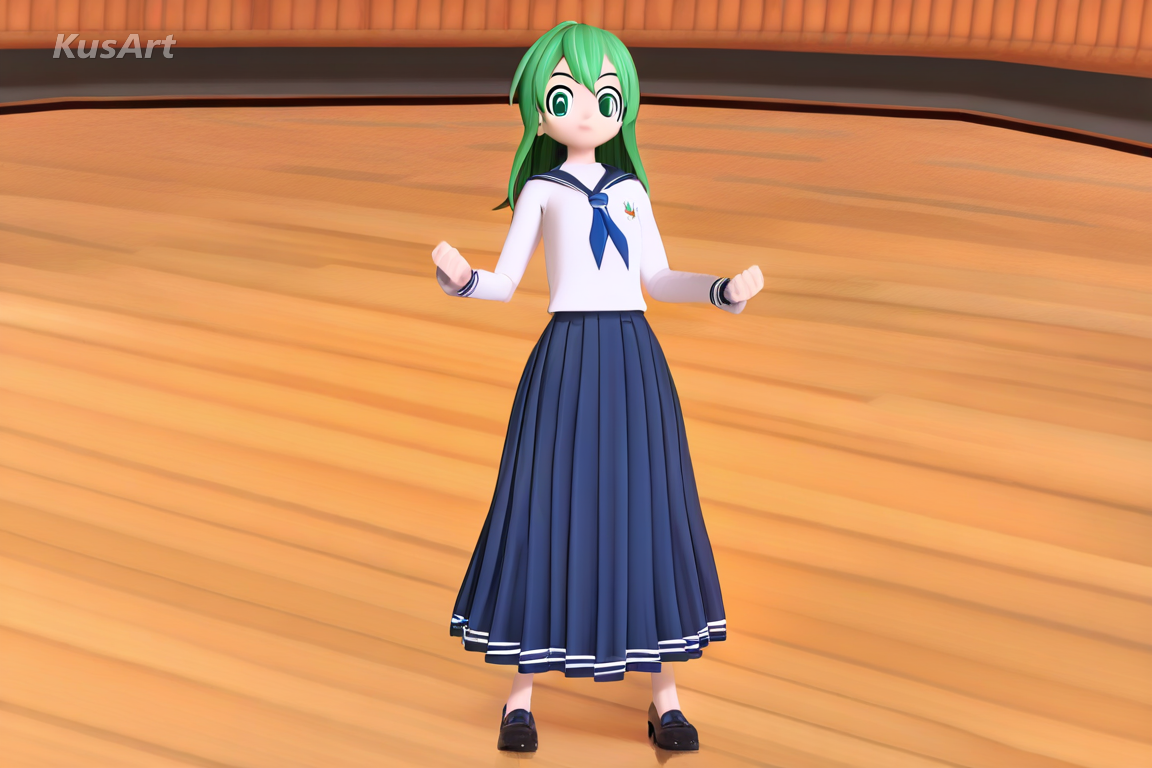
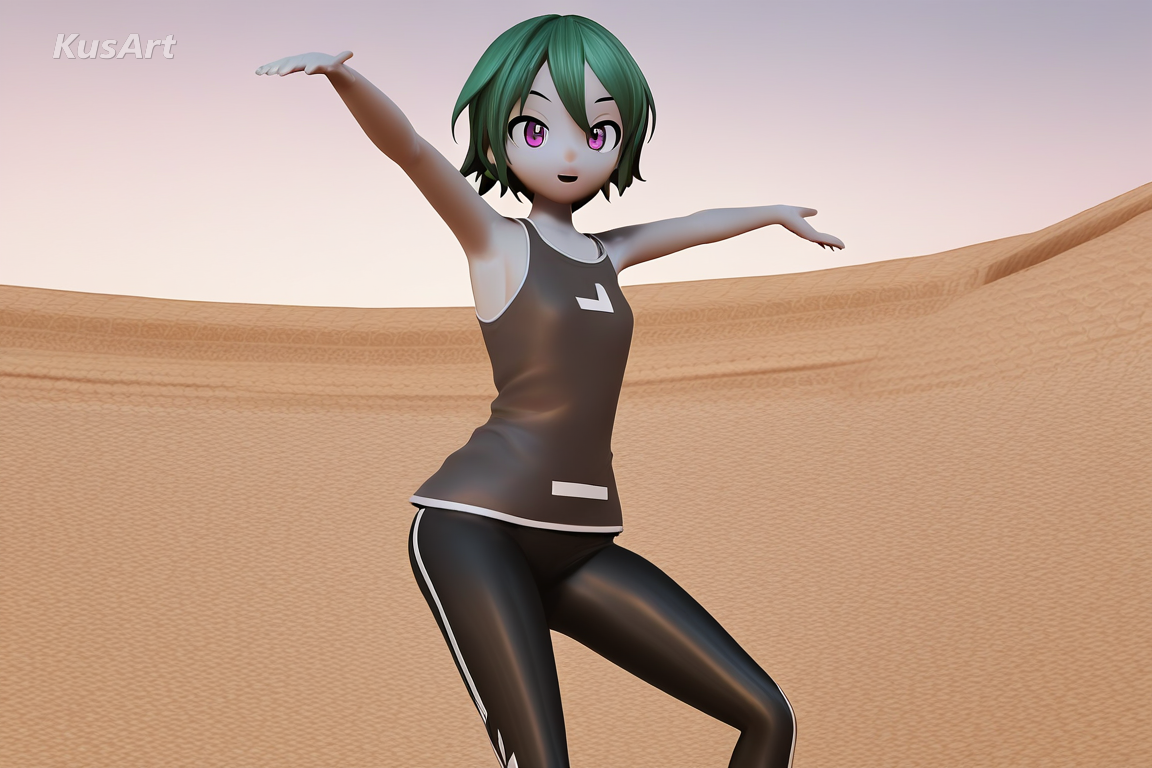
Hair forms into distinct glossy masses, each carrying its own hard highlight band. This is how layered mesh hair reads under stage lighting, and it instantly reads as 3D rather than drawn.
Try Glossy Hair →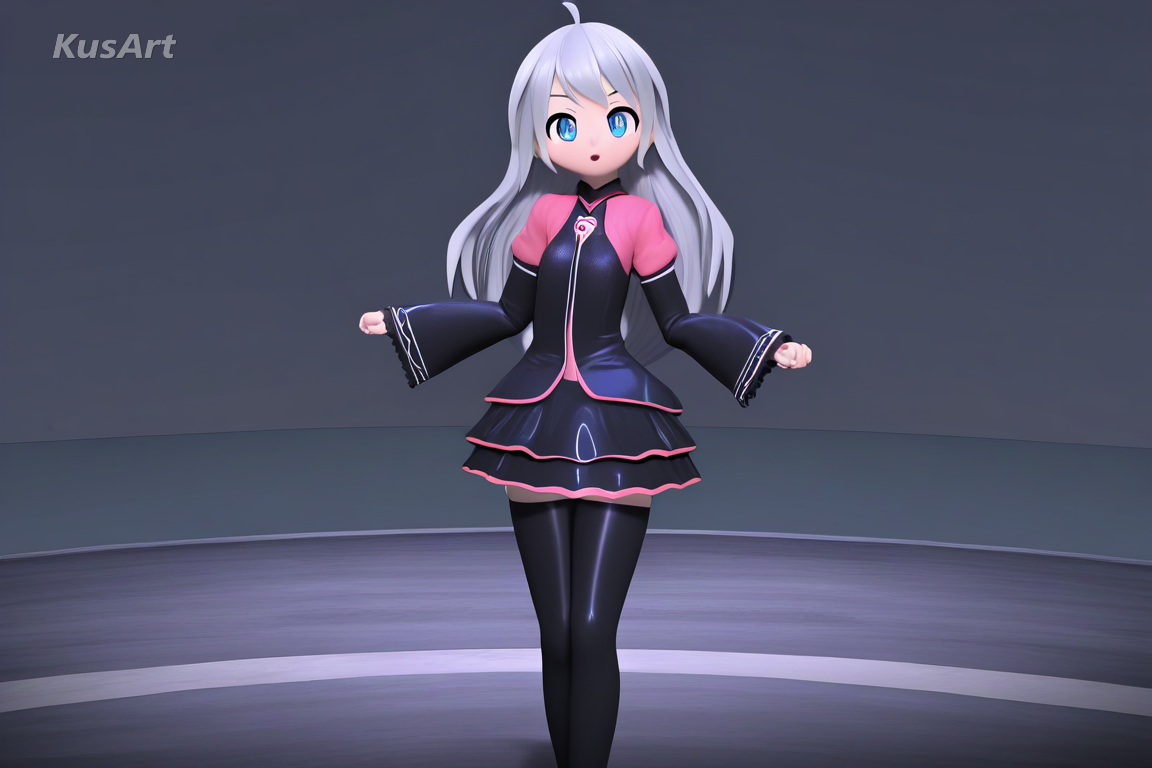
Sleeves behave like tubes and skirts like cones. Folds appear where geometry would crease rather than where an artist would draw them, giving clothing believable weight and thickness.
Try Garment Volume →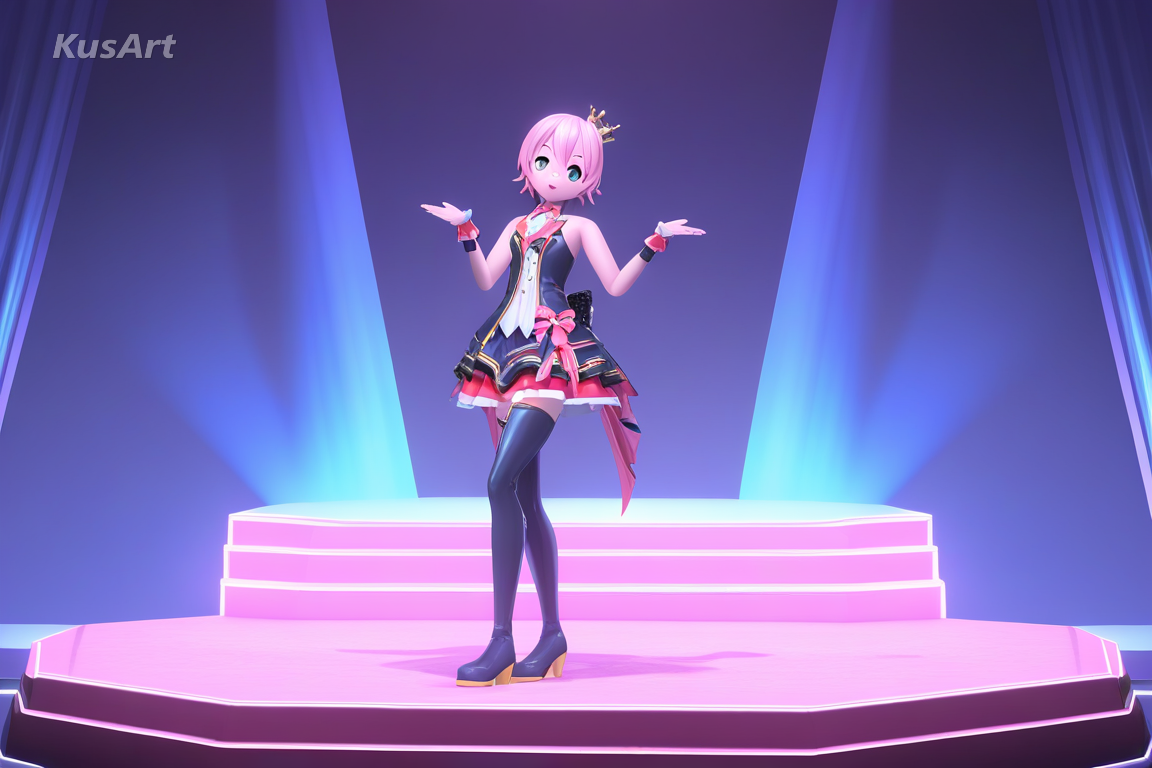
A warm key light, a cool rim for separation, and a soft floor bounce lifting the chin and hem. It is the standard three-point setup of a virtual stage, and it sells the capture immediately.
Try Stage Lighting →This style is at its best wherever a character needs to feel like an actual posable model.
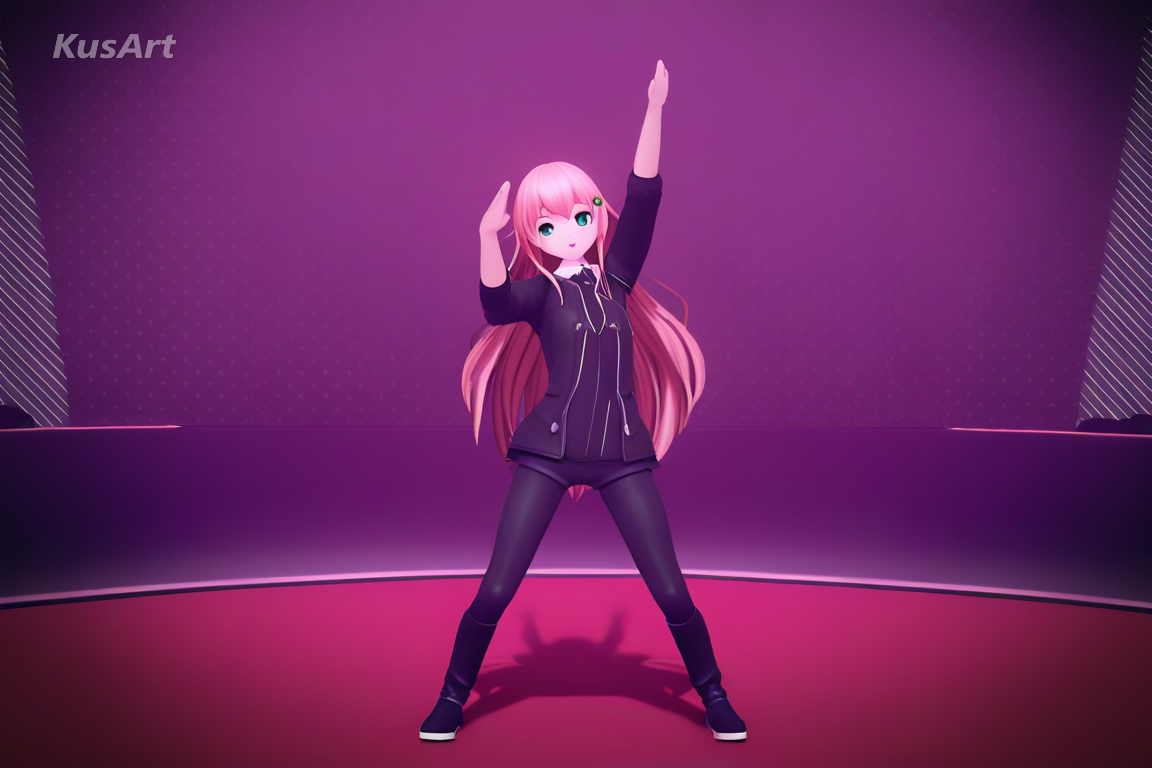
The native use case. Stage lighting and a posed figure produce frames that look pulled straight from a dance capture, ready to use as thumbnails or key art.
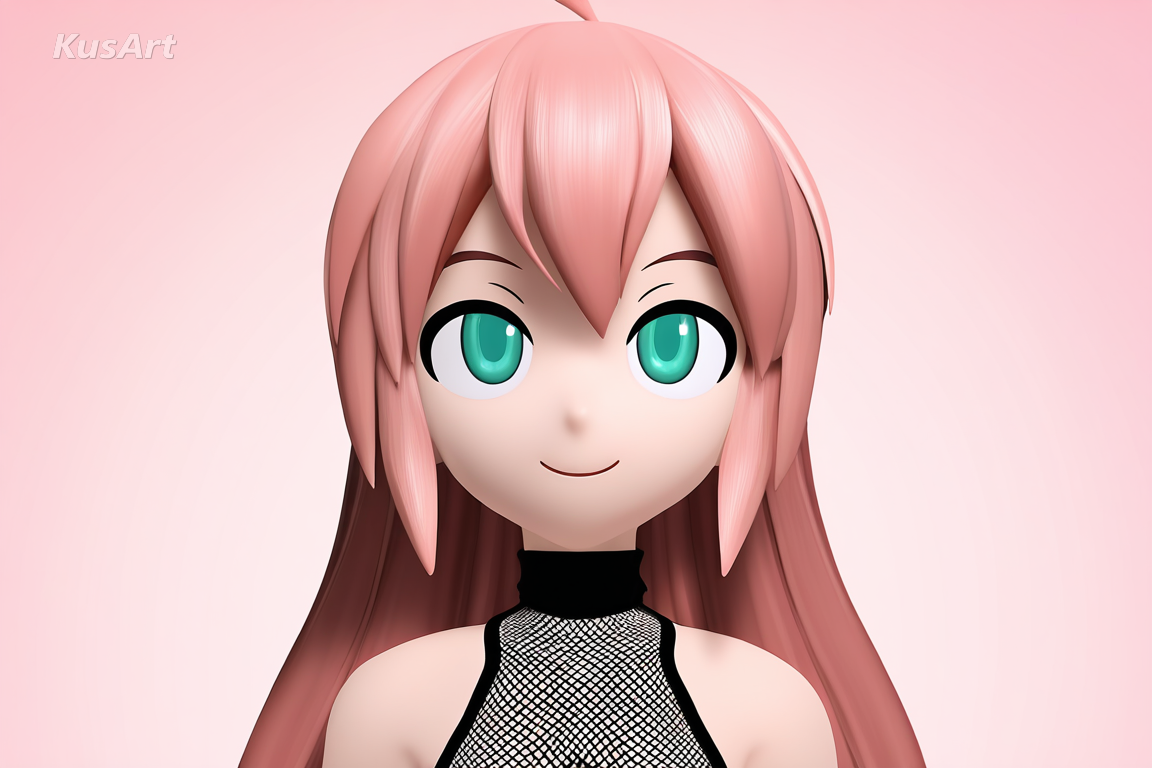
Because garments carry real volume and hair reads as mesh, designs made here translate cleanly into an actual model brief for a rigger.
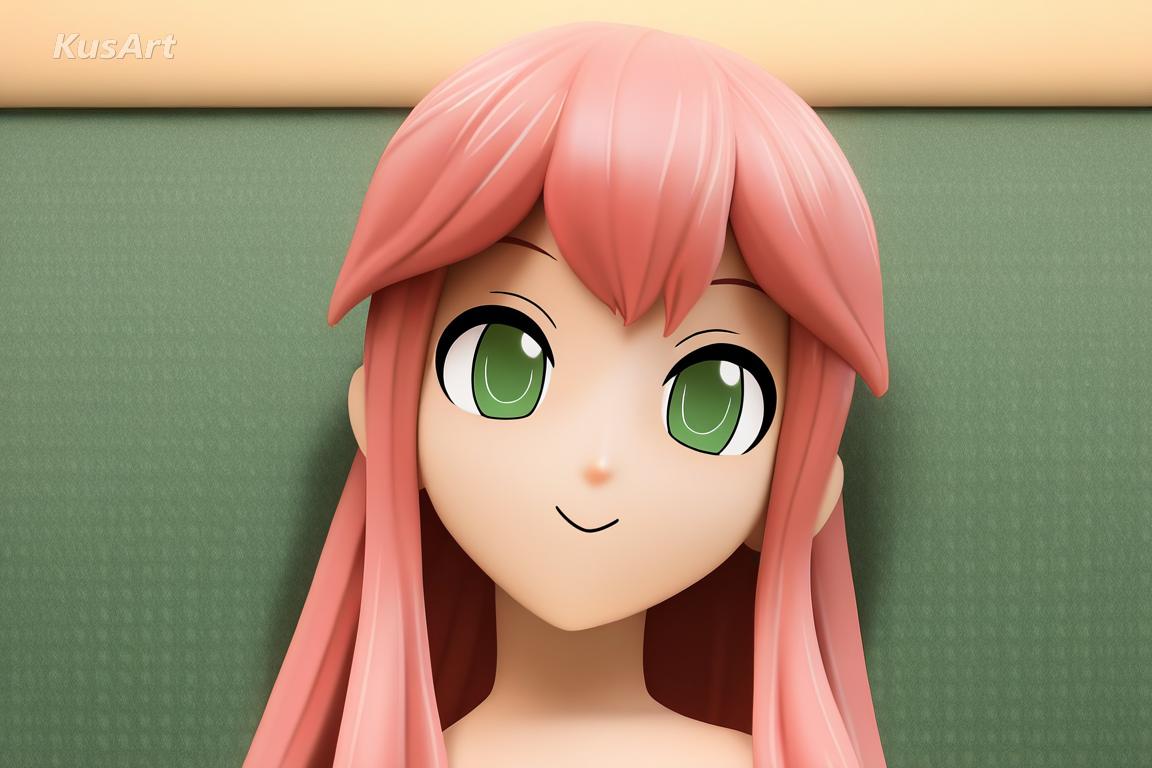
The glossy surfaces and controlled highlights are close to how a painted figure photographs, making this a quick way to preview a character as merchandise.
Open the KusArt Image Generator and choose '3D MMD Render' from the style panel.
Describe your character, then name a pose — this style rewards dynamic, dance-like posing.
Mention the lighting you want, such as 'stage rim light' or 'soft floor bounce', to steer the render.
Generate, then use Image to Video if you want to put the render into motion.
It is the toon-shaded 3D model look associated with MikuMikuDance — smooth specular surfaces, glossy separated hair chunks, garments with real volume, and virtual stage lighting.
No. The style reproduces the render look directly from a text description, so you do not need any modelling or animation software.
Yes. KusArt provides free AI generation with no login required, so you can produce as many renders as you want.
Drawn styles shade with flat cel blocks and draw hair as strands. This one shades along the curve of a surface and forms hair into glossy mesh-like chunks, which is what makes it read as 3D.
Yes, and it is one of the better uses. Volumetric clothing and mesh-style hair mean your concept translates cleanly into a brief for a modeller or rigger.
Pose and lighting words matter more than surface adjectives here. 'Dance pose, stage rim light' will shape the result more than a long list of texture descriptions.
Use 3D MMD Render when you want glossy 3d-model rendering with smooth toon shading and stage lighting, built to look like an mmd capture. It is especially useful for dance video stills, avatar and vtuber concepts, and figure-style character shots.
Start with Image Generator for the fastest prompt-first workflow. If your goal is a profile picture or avatar, Anime PFP Maker is usually the better fit. If you want to build a more structured original character workflow, move into OC Generator.
This style is at its best wherever a character needs to feel like an actual posable model. After your first strong result, you can carry the same look into Image to Video, AI Dance Generator, and OC Generator.
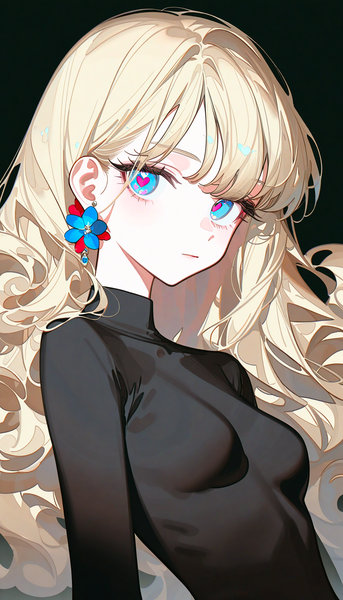
A high-gloss, refined rendering style that produces crisp anime illustrations with smooth shading and vivid color depth.
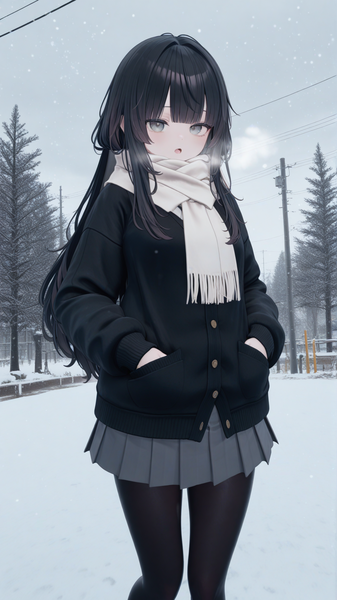
An anime style optimized for VRChat avatar aesthetics with the characteristic 3D-meets-anime look of virtual reality social spaces.
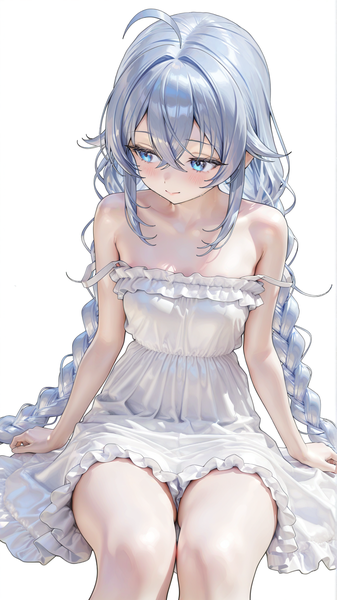
A specialized anime style focusing stunning glossy rendering on character skin, creating figure-like quality with detailed light reflections.
Generate stage-lit 3D anime renders in seconds — free, no login required.
Includes 100 free credits daily