Motion prompts in plain language
Type the movement the way you would say it: blink, wave, turn to camera, zoom out slowly. The model reads intent rather than a fixed command list, so expression, camera, and body motion can share one sentence.

Upload a still image, describe the motion, and this AI image to video generator returns a short MP4. Anime art, original characters, product shots, and photos all work. Turn an image into video in about 30 seconds. Give the AI image to video generator a picture and one sentence describing what should move. It reads the subject, the pose, and the art style already in the frame, then returns a downloadable 5-second MP4. Most renders finish in roughly 30 seconds, so you can test a motion idea, watch it back, and rewrite the prompt in the same sitting instead of queueing an overnight render.
Turn My Image into Video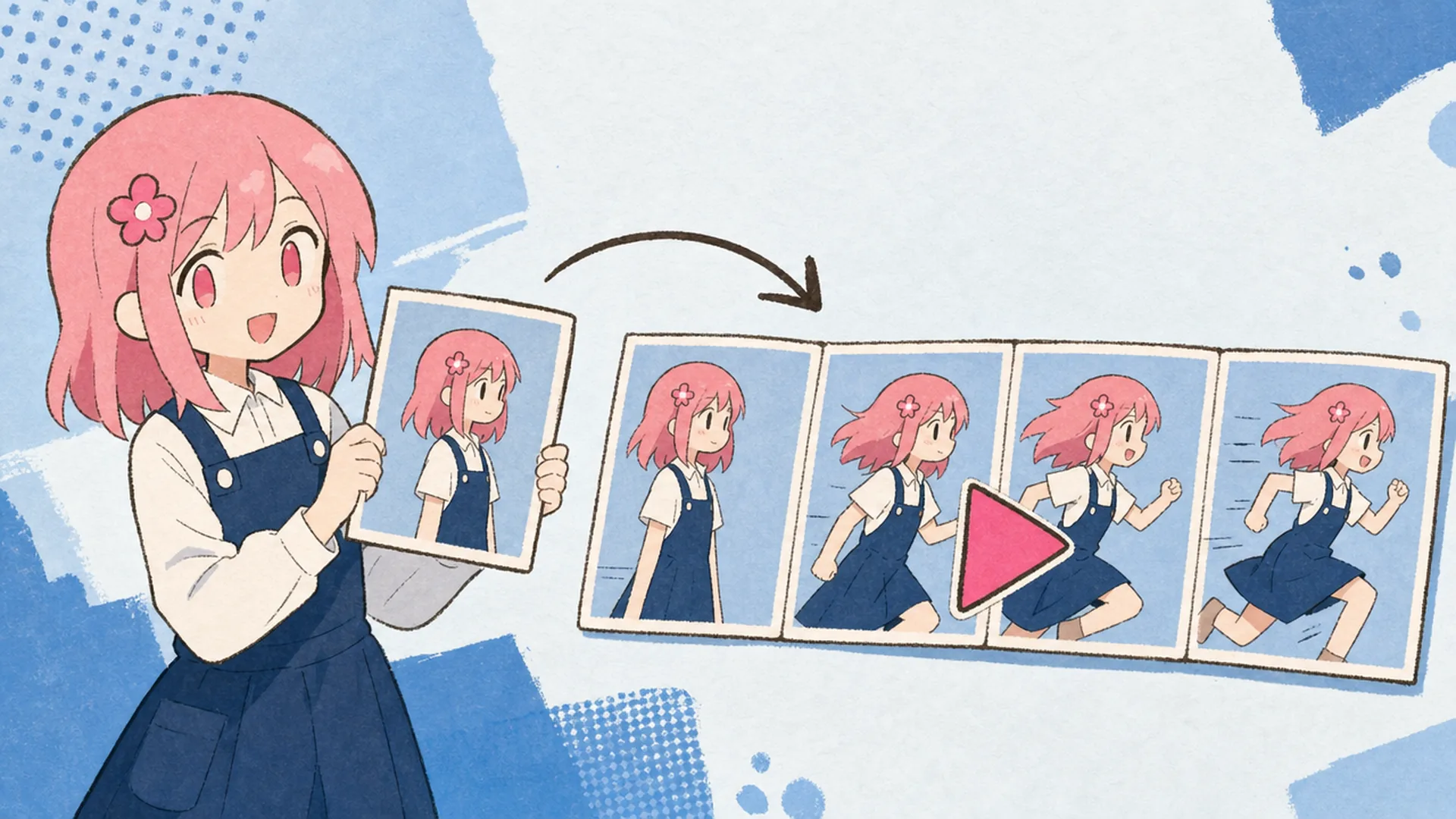
An image to video generator takes one still image plus a motion prompt and synthesises the frames that come next. Unlike text-to-video, an image to video AI is not inventing a subject from nothing — it moves what is already in your picture, so the face, the outfit, and the line work stay recognisable from first frame to last. That makes it the step after an illustration is finished in the AI Anime Generator, not a replacement for it.
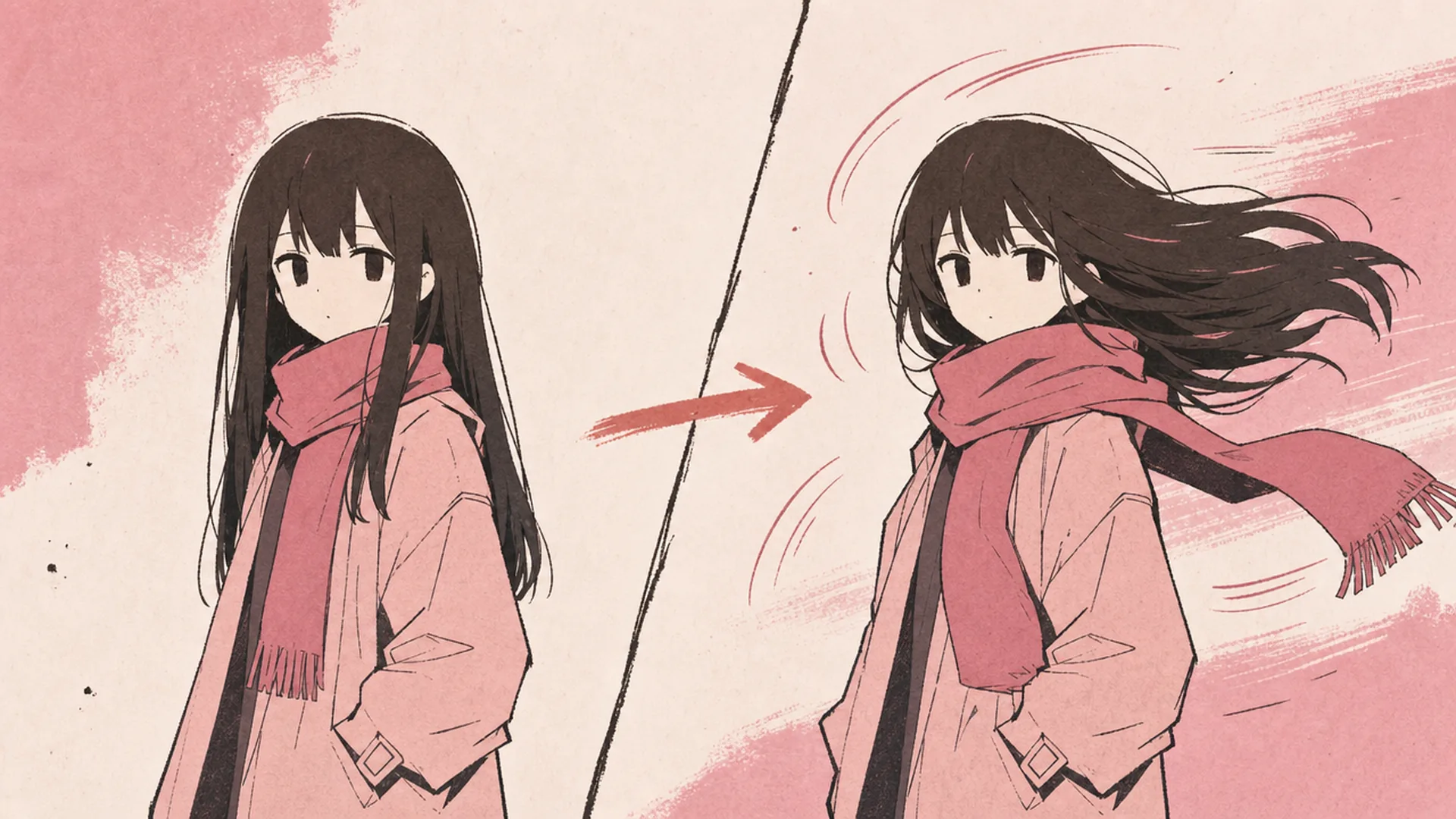
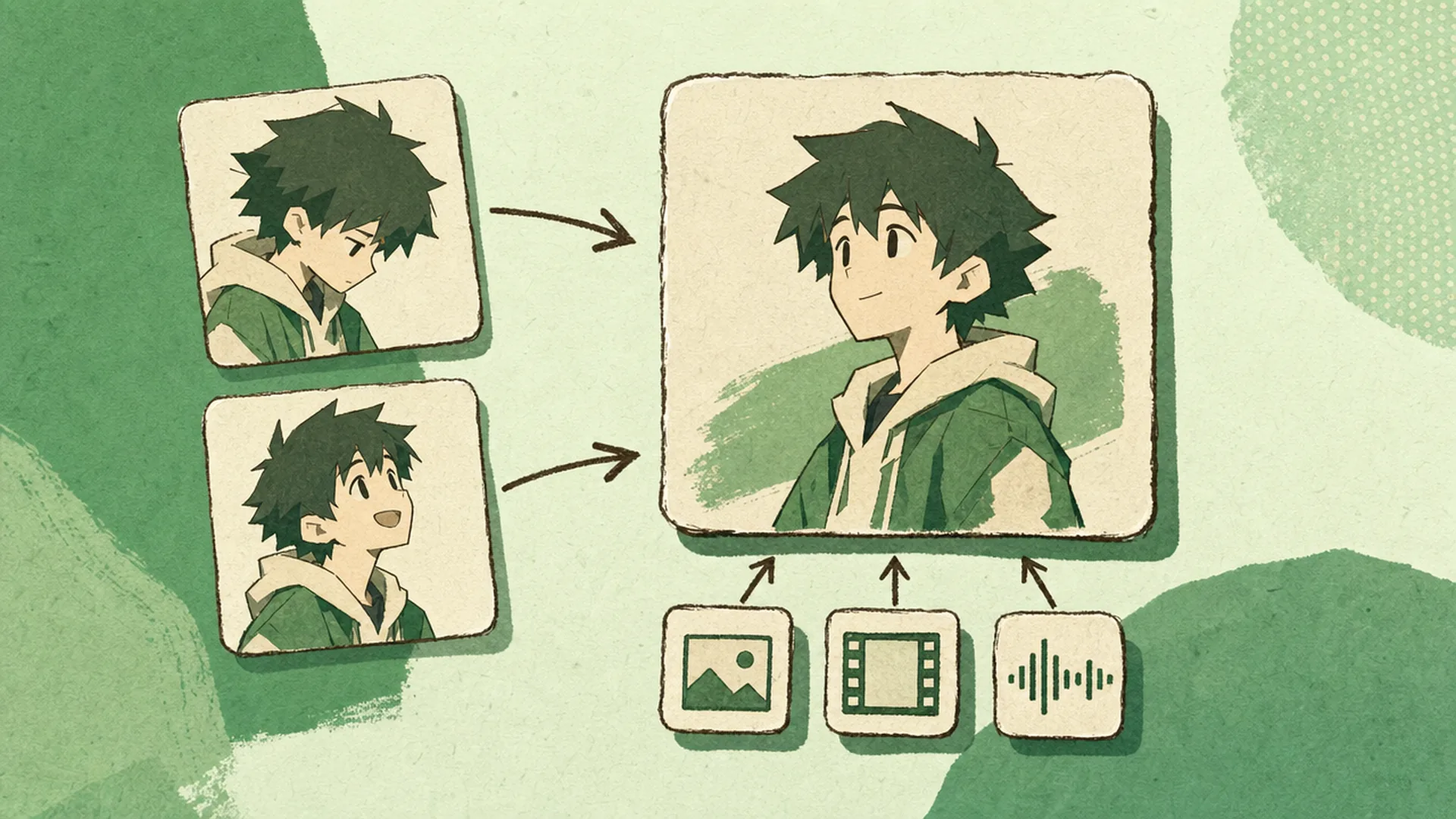
Vague prompts give vague motion, so the workbench is built for specifics. Describe the action in ordinary words — blink, wave, turn around, hair moving in wind. Hand it a first and a last frame and it interpolates between them. On the Seedance 2.0 models you can attach reference images, clips, and audio, then point at them inside the prompt, which is what separates usable image animation AI from a slot machine.
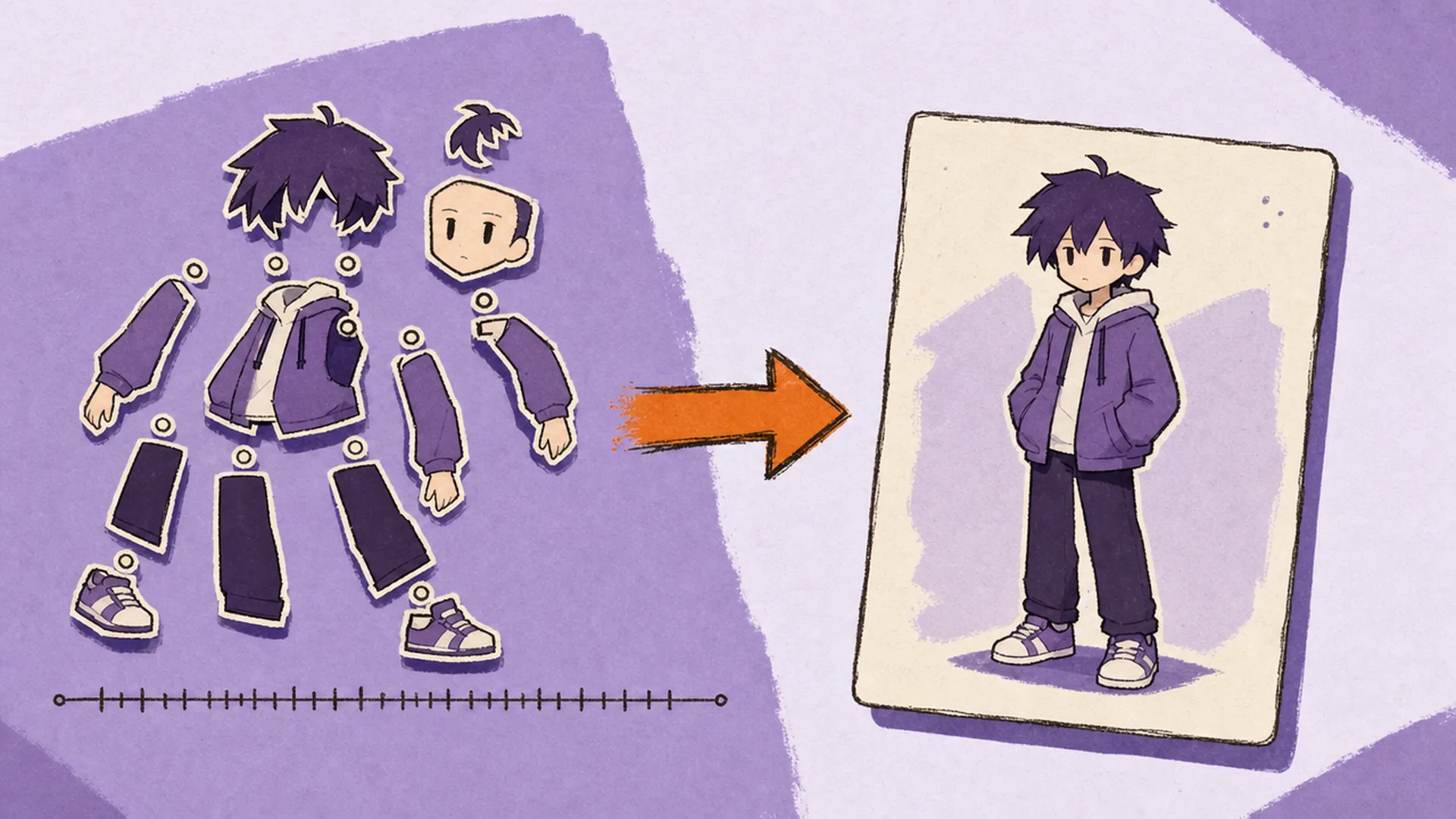
Traditional character animation means rigging the artwork, cutting it into layers, setting keyframes, and re-exporting every time the direction changes — hours of work before you know whether the idea even reads. A photo to video generator collapses that into one prompt and one render, so an idea that used to be too expensive to test is now cheap enough to throw away. Keep the takes that work, and reopen the source art in the Anime Character Editor when the design itself needs changing.
Everything this AI video generator from image can do sits in the workbench above — no plugin, no local GPU.
Type the movement the way you would say it: blink, wave, turn to camera, zoom out slowly. The model reads intent rather than a fixed command list, so expression, camera, and body motion can share one sentence.
Animate from a single still, or upload the opening and closing frame and let the model fill the middle. Two-frame mode is the reliable way to land a specific ending pose instead of hoping the prompt gets you there.
On Seedance 2.0 you can attach materials and mention them inside the prompt. It works as a character animation generator when the reference carries a pose, and as an AI animation generator when it carries a camera move or a beat.
Every render comes back as a downloadable MP4. Sound is available on the Pro model, and the watermark toggle plus HD export let paid accounts publish straight out of the browser.
Three steps, and only the second one needs thought.
Drop in a photo, an illustration, a character sheet, or a meme frame — the AI photo animator takes all of them. Art made in the Anima Model works well. If you know how the shot ends, upload a second image as the last frame.
Write what moves and how. Name the subject, the action, and the camera if it matters — "she looks up and smiles, camera pushes in slowly" beats "make it move". Attach reference materials here on Seedance 2.0.
The render takes about 30 seconds and returns a 5-second clip. Play it back, adjust the prompt if the motion missed, then download the take you want and animate image AI style variations from the same source.
Same generator, different prompt — reaction clips, looping backgrounds, and character work.
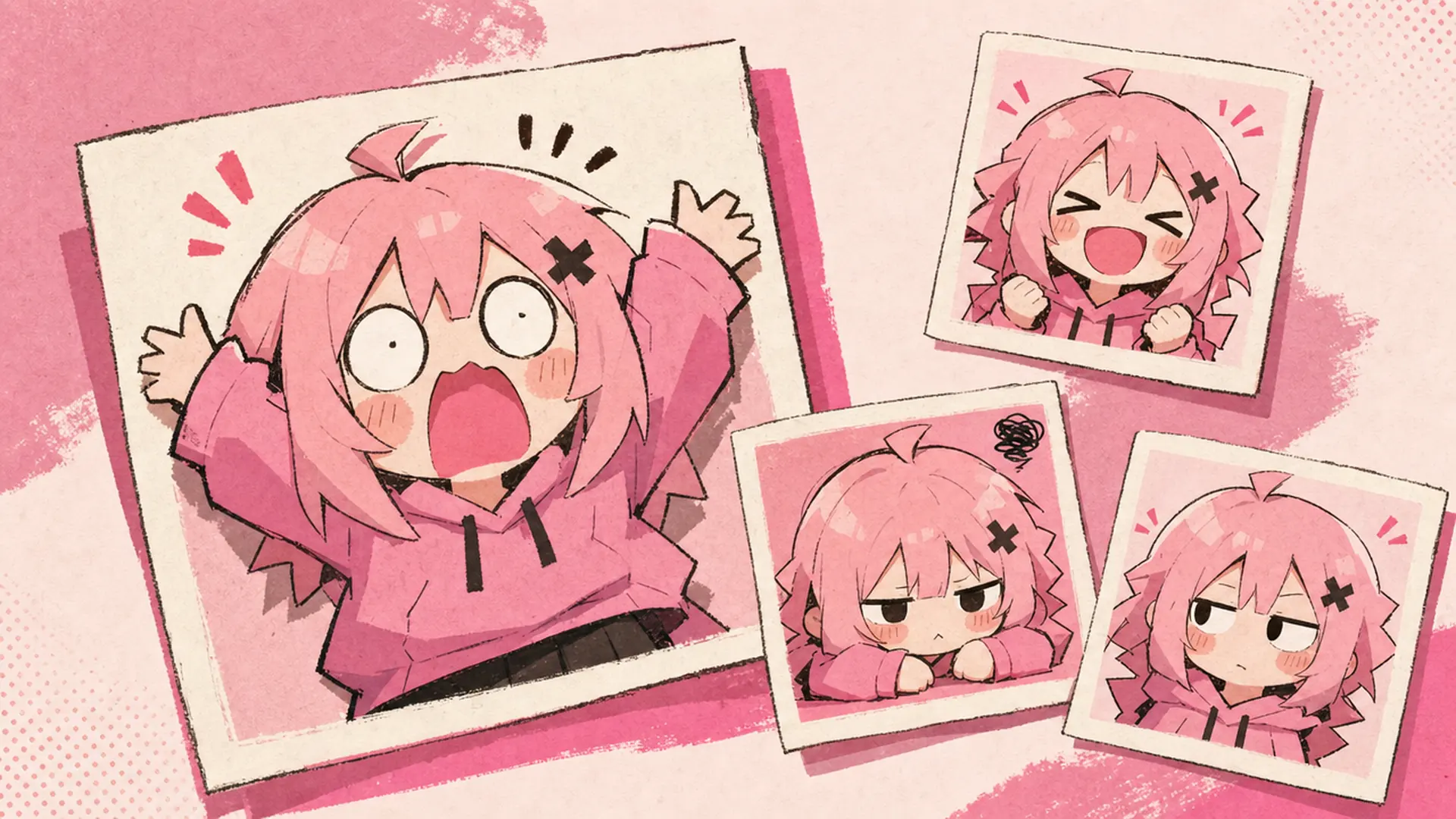
As an AI image animator it handles reaction content: exaggerated expressions, double-takes, and slow zooms on a punchline. Short MP4s drop straight into Discord and social posts.
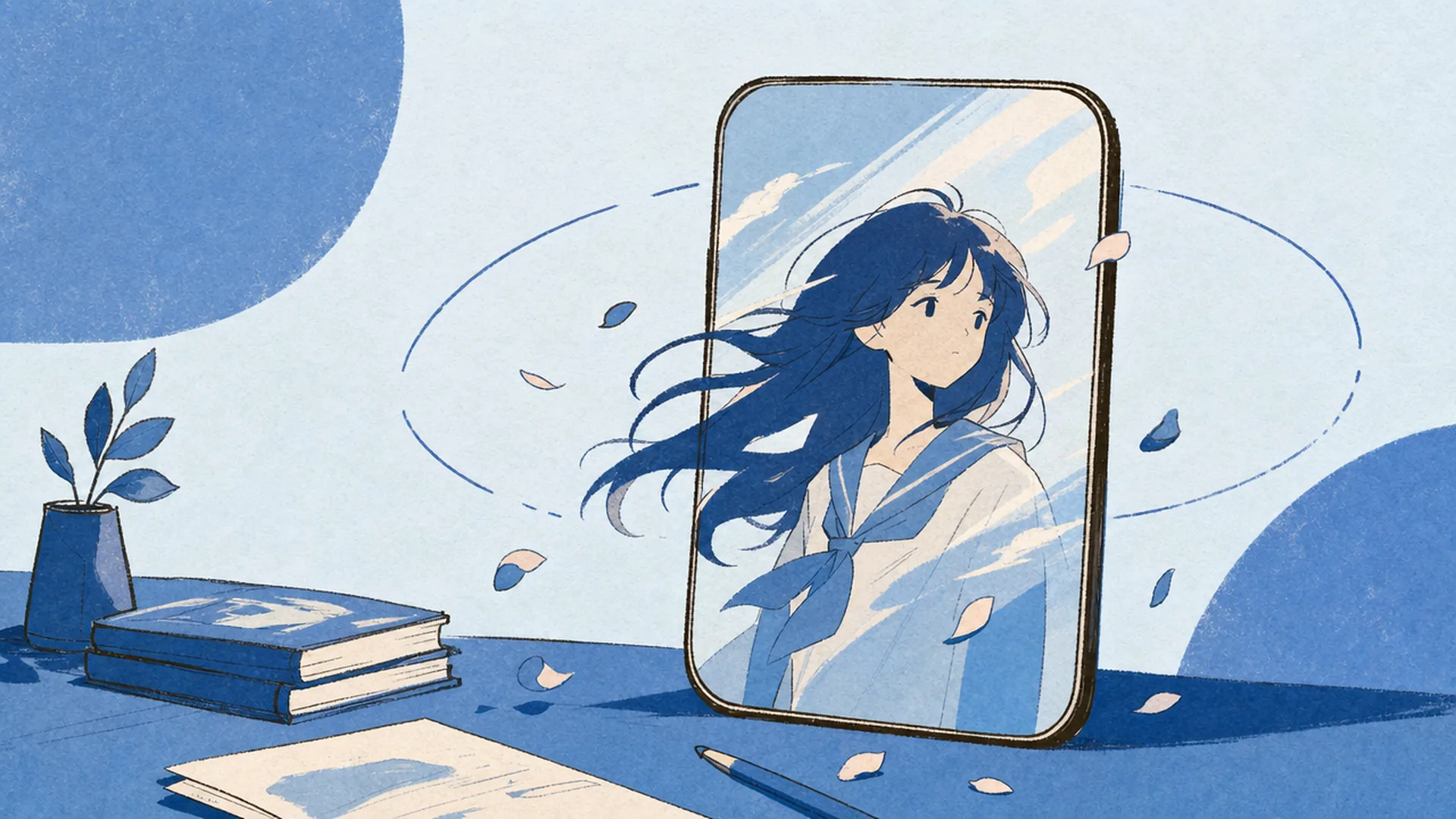
Animate image AI loops from key art or a portrait made in the AI Wallpaper Generator. Drifting hair, moving light, a slow push — subtle beats read better on a live wallpaper.
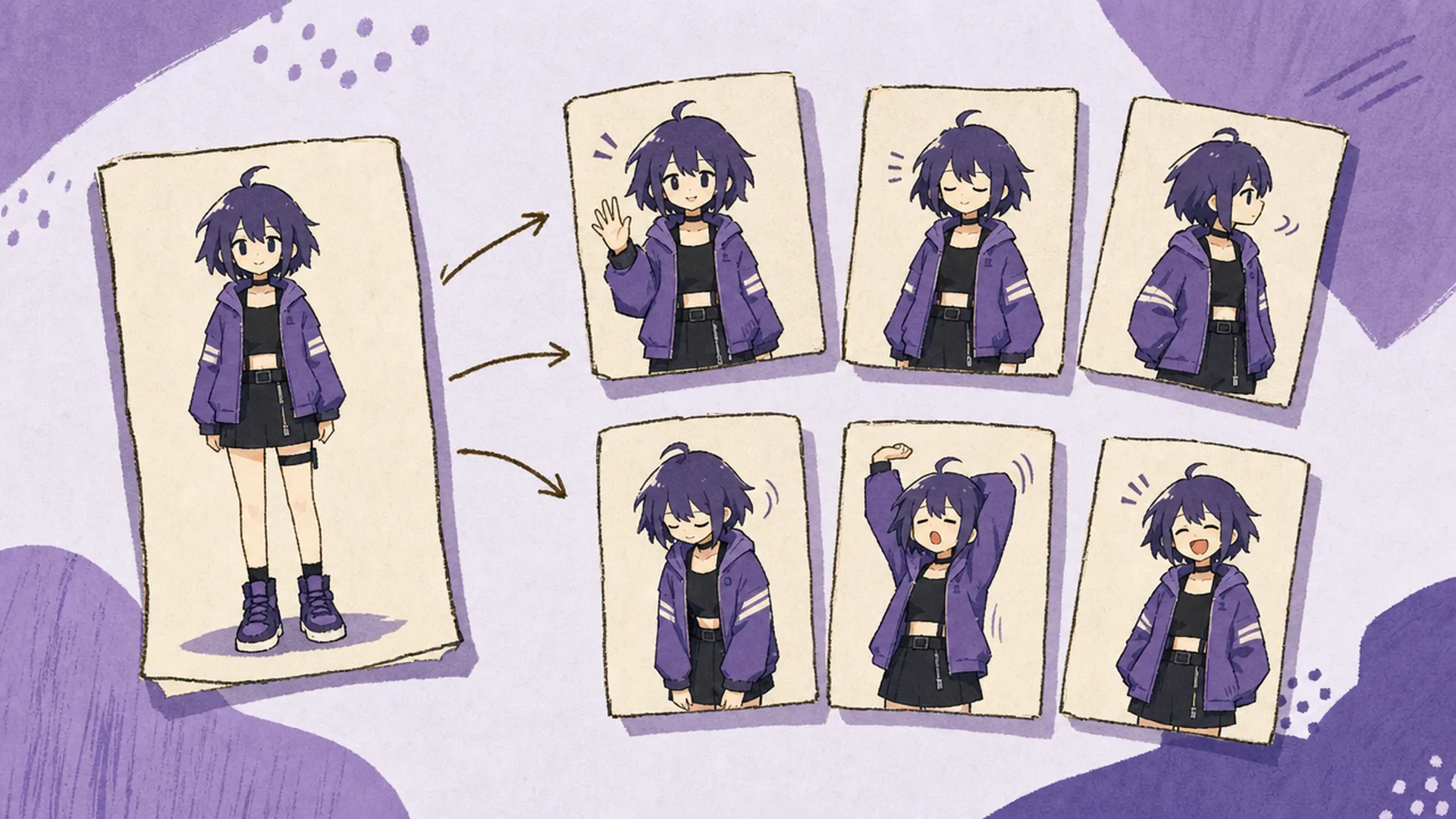
Used as an AI character animator, it produces dozens of short clips for one original character in an afternoon: idles, greetings, reactions. Every clip starts from the same artwork, so the design stays on model.
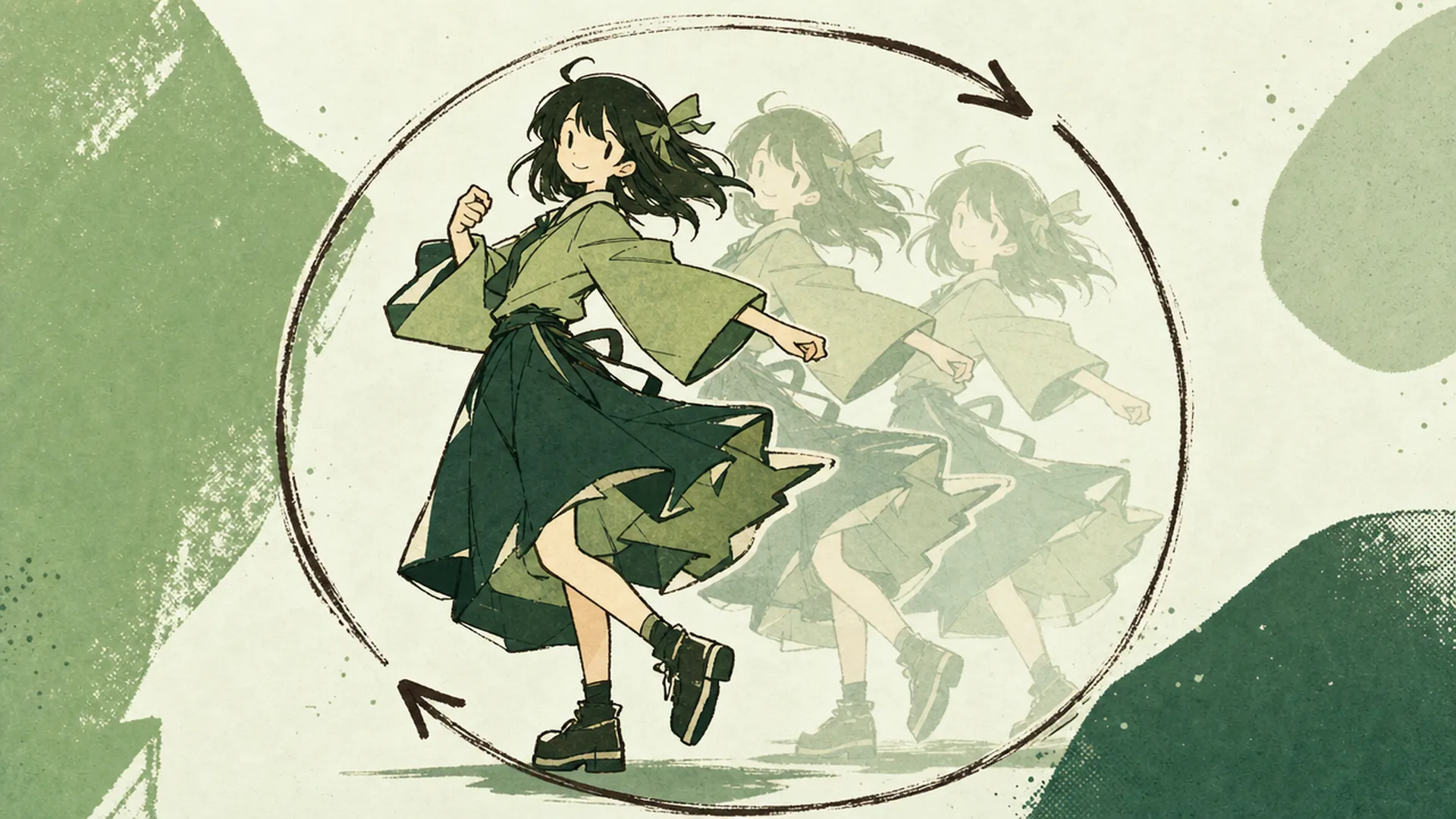
Pair it with the AI Dance Generator for full-body routines, or keep it to Live2D-style idles. Image animation AI is at its most useful here: breathing, blinking, small weight shifts.
Upload artwork you already have, describe the motion in one sentence, and get a downloadable MP4 back in about 30 seconds.
Turn My Image into VideoMake the still image first, or take the character somewhere else on KusArt.