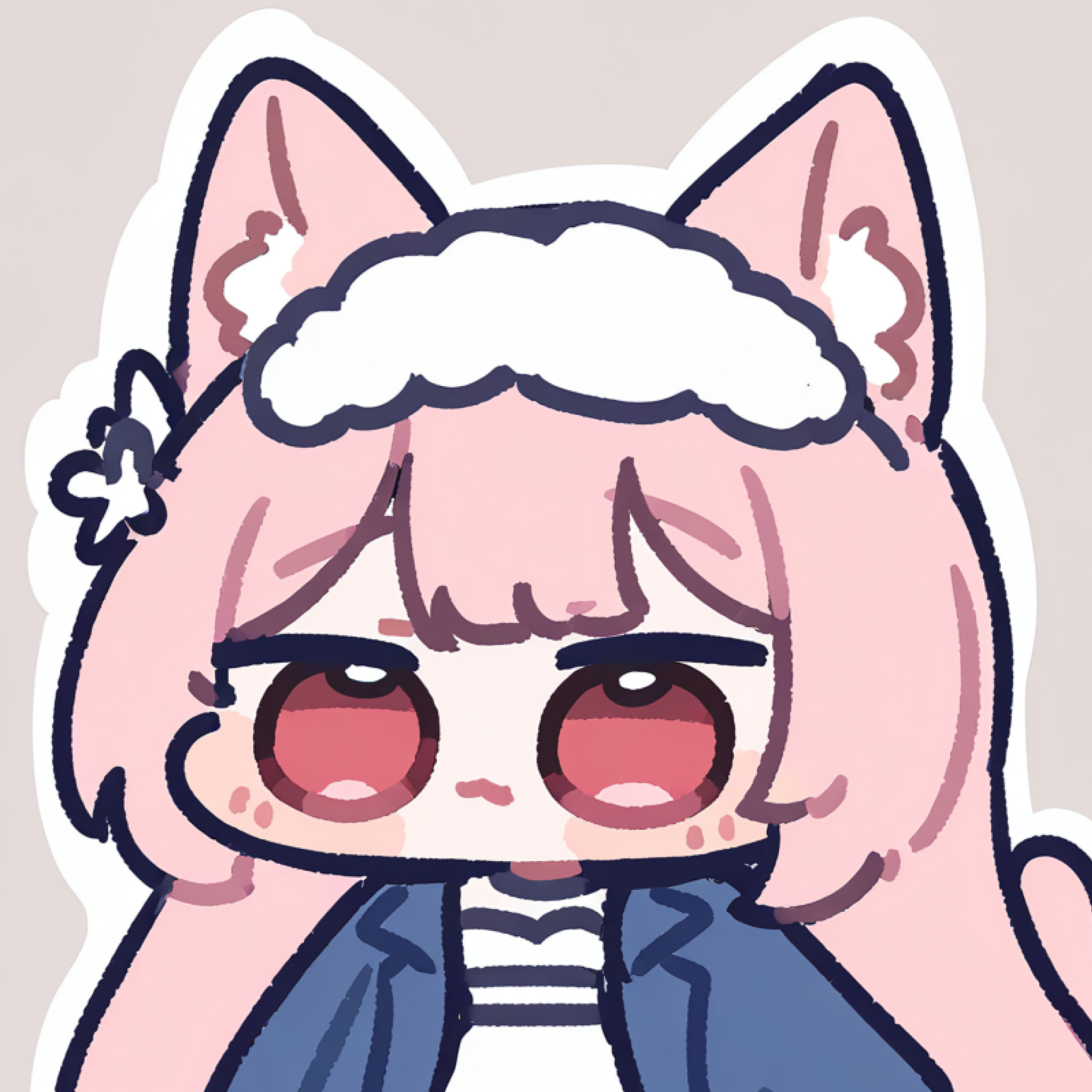
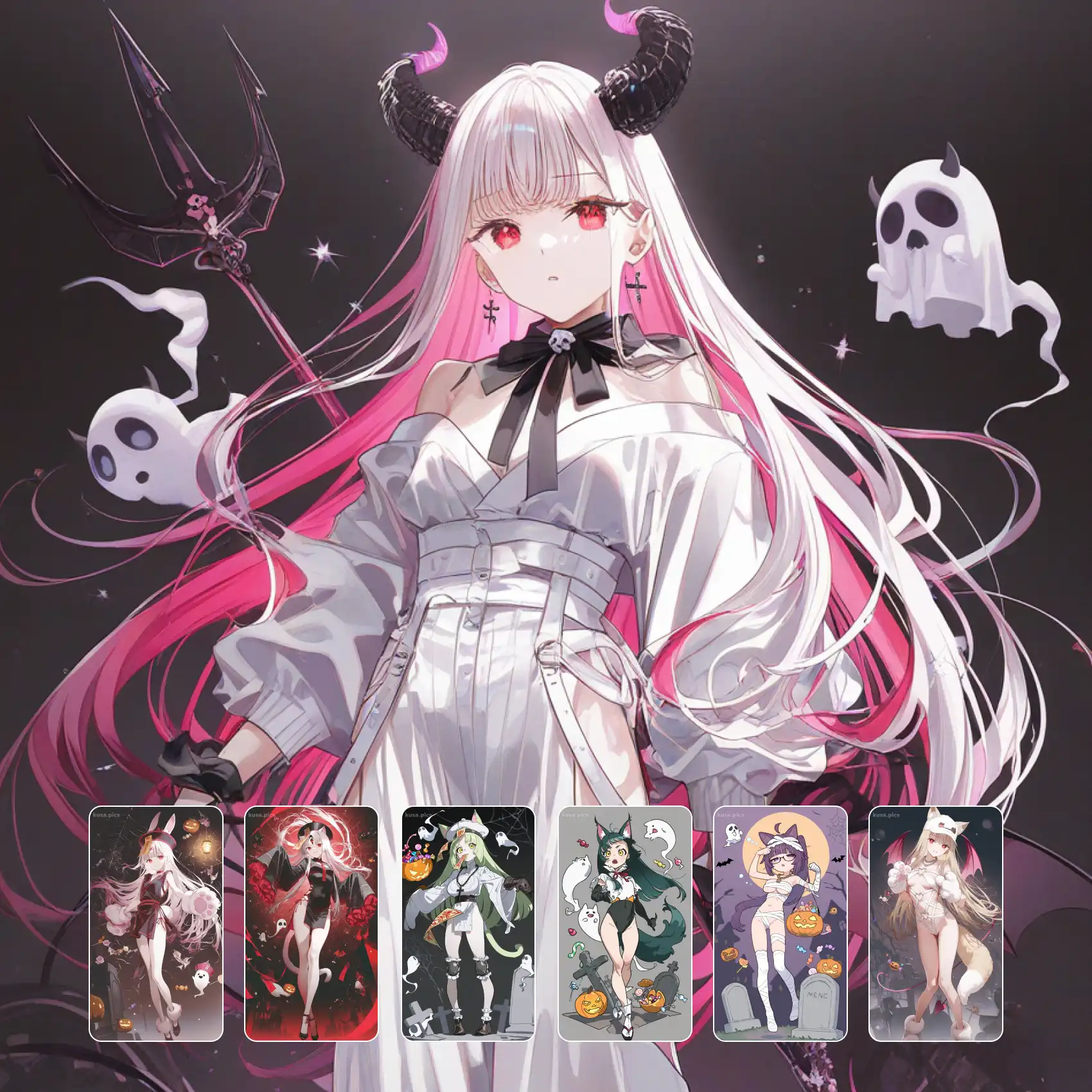
Character art assembled like a sticker sheet. Kawaii pop puts a streetwear-dressed figure — oversized hoodie, cargo pants, chunky sneakers — onto a flat block-colour backdrop, then layers extras on top: a small chibi version of the same character floating beside them, cut-out shapes with white sticker borders, scattered sparkles and text marks. Palettes are punchy and limited, outlines stay clean, and the composition reads as designed rather than drawn. Free on KusArt, no login required.
Kawaii pop art created by the KusArt community. Click any image to see its details and try the same prompt.
Most character art presents a figure. This style presents a layout, and that difference explains everything about how it looks. The base layer is a flat block of colour with no depth or scenery, functioning as backing paper rather than a place. On top of it sits the main character, rendered with clean lines and flat cel fills, usually in contemporary streetwear rather than fantasy costume — hoodies, layered tees, cargo trousers, chunky sneakers with visible sole detail. Then comes the layer that defines the style: cut-out elements with white sticker borders, including a tiny chibi version of the same character reacting somewhere in the frame, scattered stars and sparkles, and occasionally a word or logo mark treated as graphic texture rather than something to read. Those additions overlap the main figure deliberately, breaking the silhouette in a way traditional illustration avoids, which is exactly what makes it read as designed. Palettes stay tight, usually three or four punchy colours plus black and white, and shadows are minimal — just enough to lift the sticker layer off the backing. The overall feel is closer to merchandise design than to portraiture.
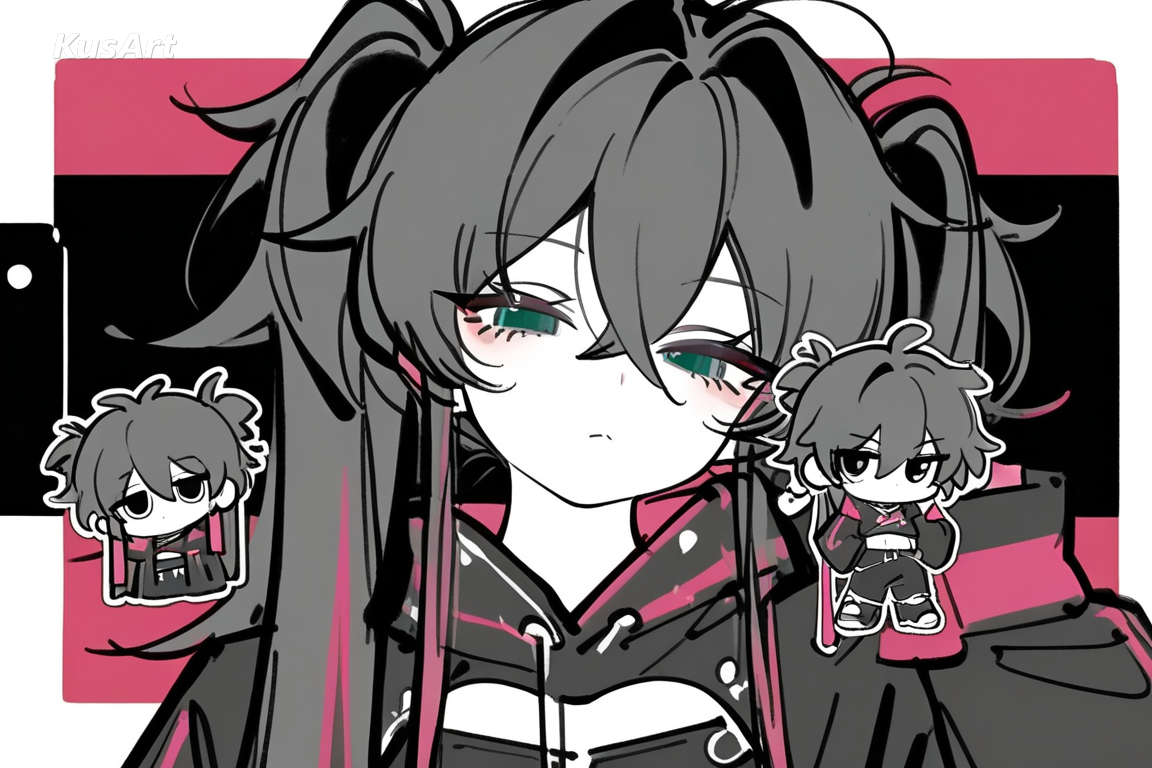
Four layering choices give this style its merch-design feel.
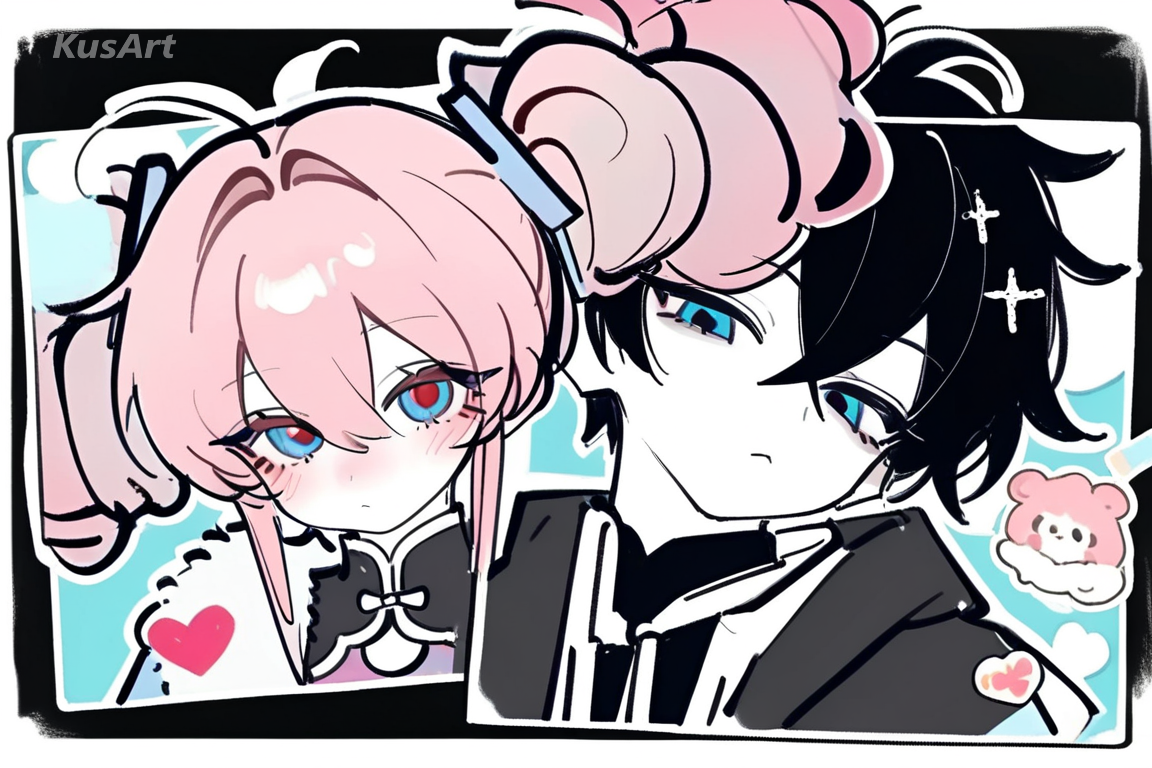
A single colour field with no depth or scenery, working as backing paper rather than a location. It is what lets the sticker layer read clearly.
Try Flat Backdrops →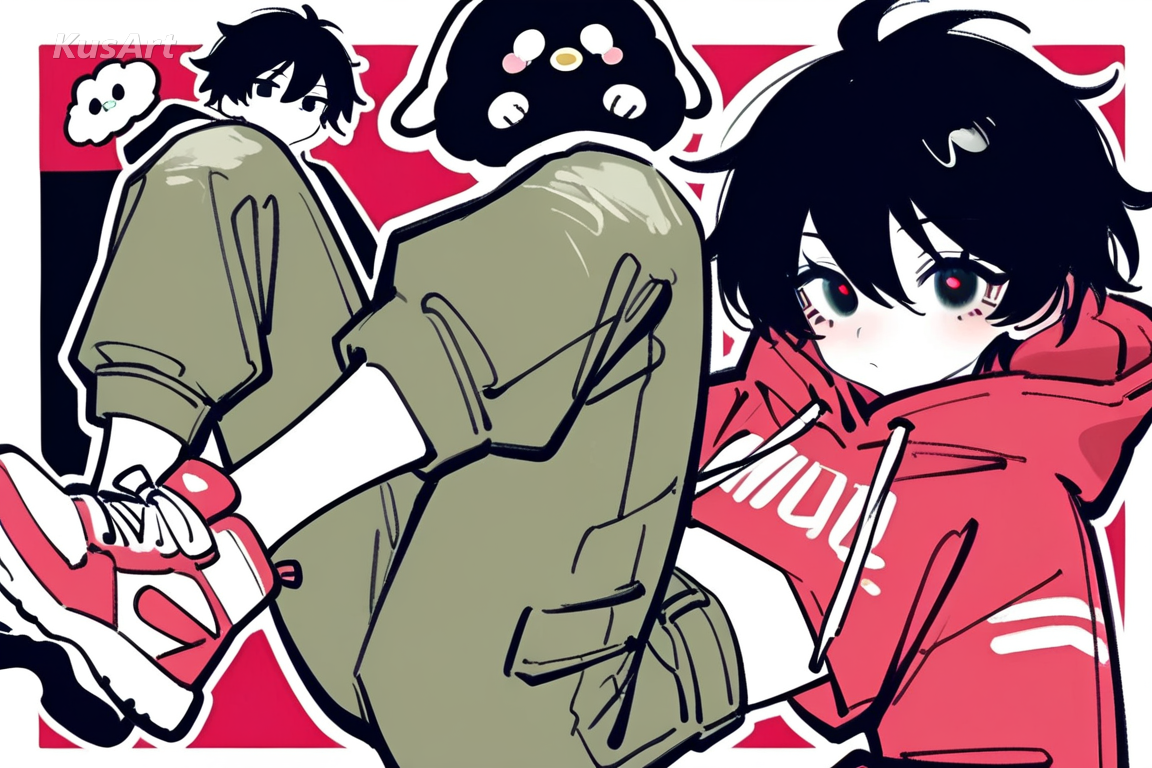
Oversized hoodies, layered tees, cargo trousers, and chunky sneakers with visible sole detail. Modern clothing is central rather than incidental here.
Try Streetwear →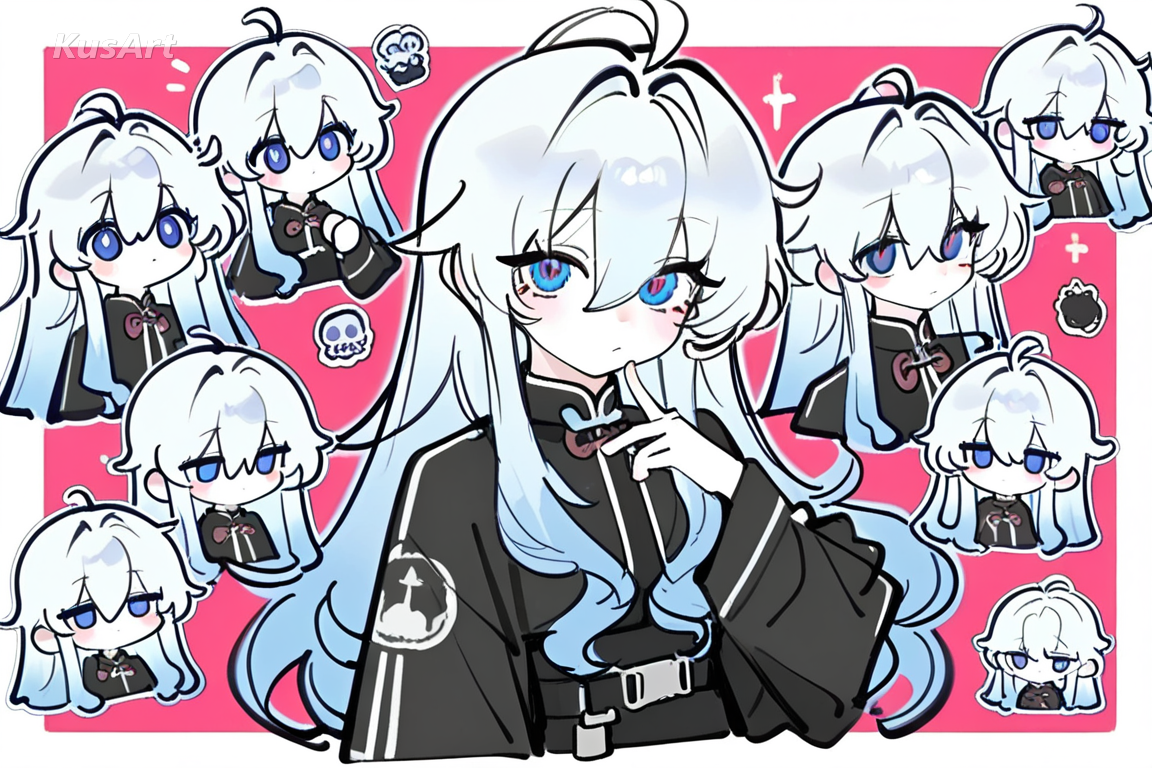
Elements sit on top with the white border a die-cut sticker would have, overlapping the main figure and deliberately breaking its silhouette.
Try Sticker Layers →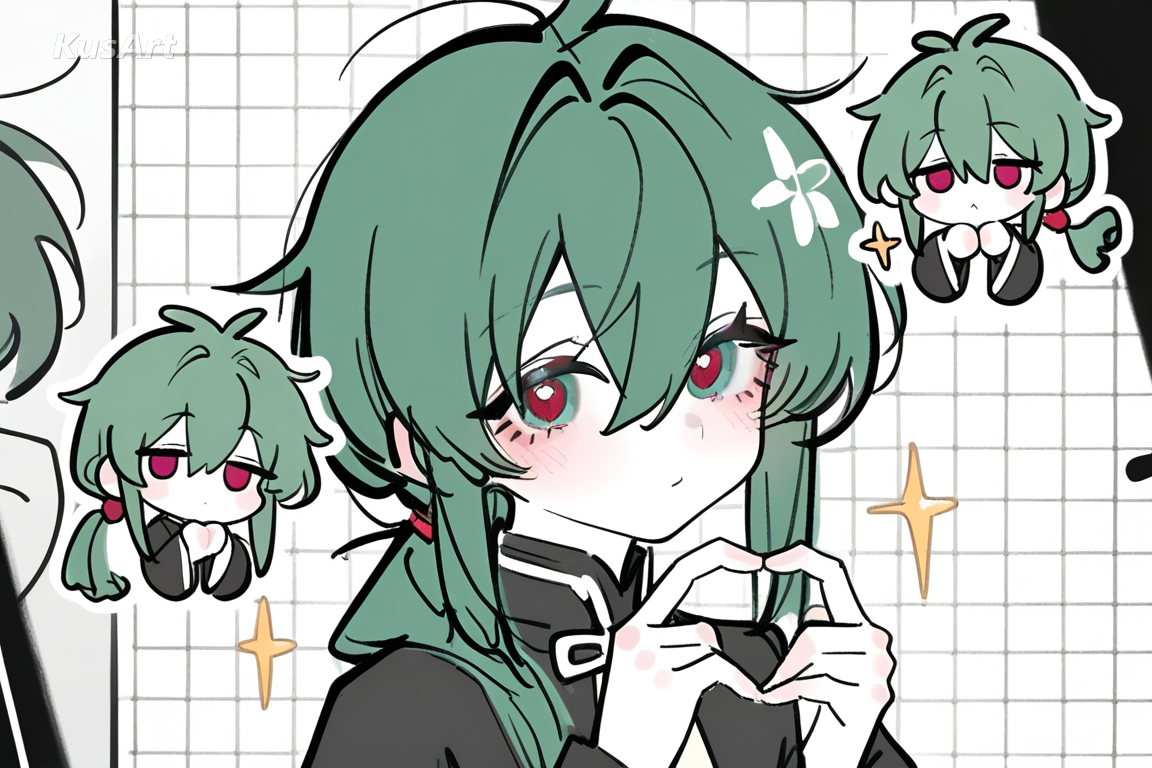
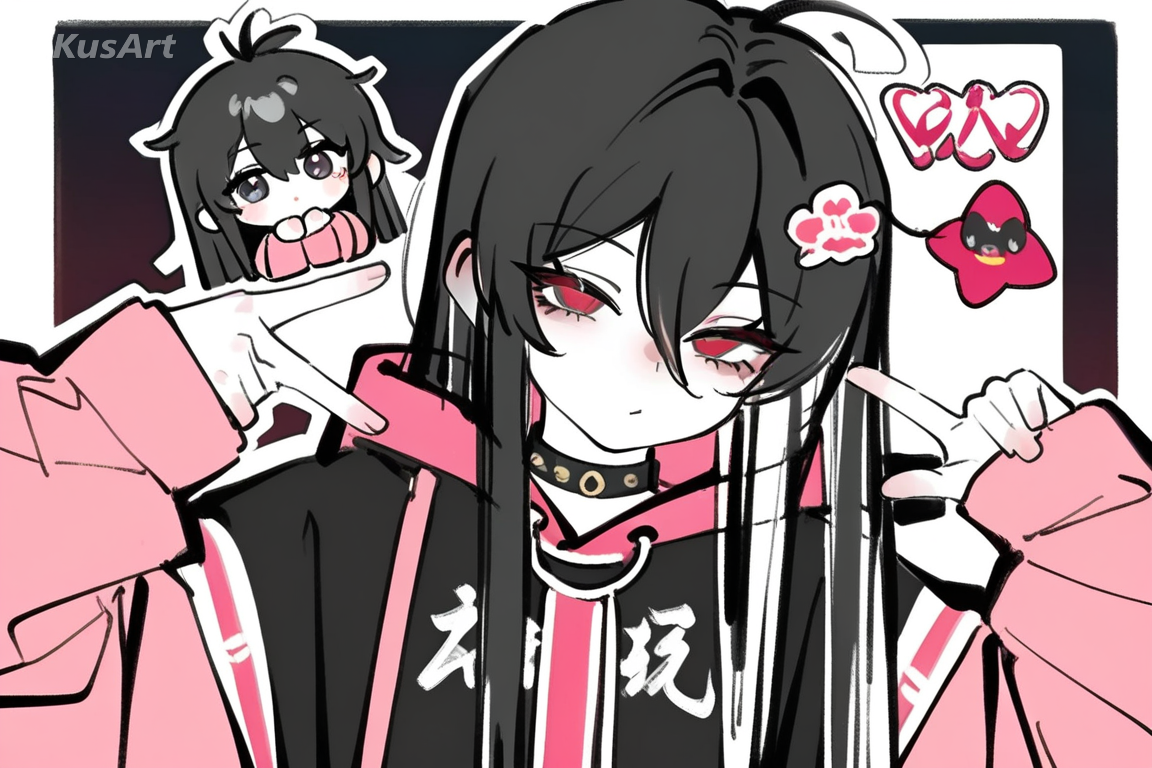
A small chibi version of the same character reacting somewhere in the frame. It supplies humour and turns a portrait into a layout.
Try Chibi Companion →This style suits work that will end up printed on something.
Flat colour and clean outlines reproduce perfectly on fabric and vinyl, and the layered composition already looks like a finished product graphic.
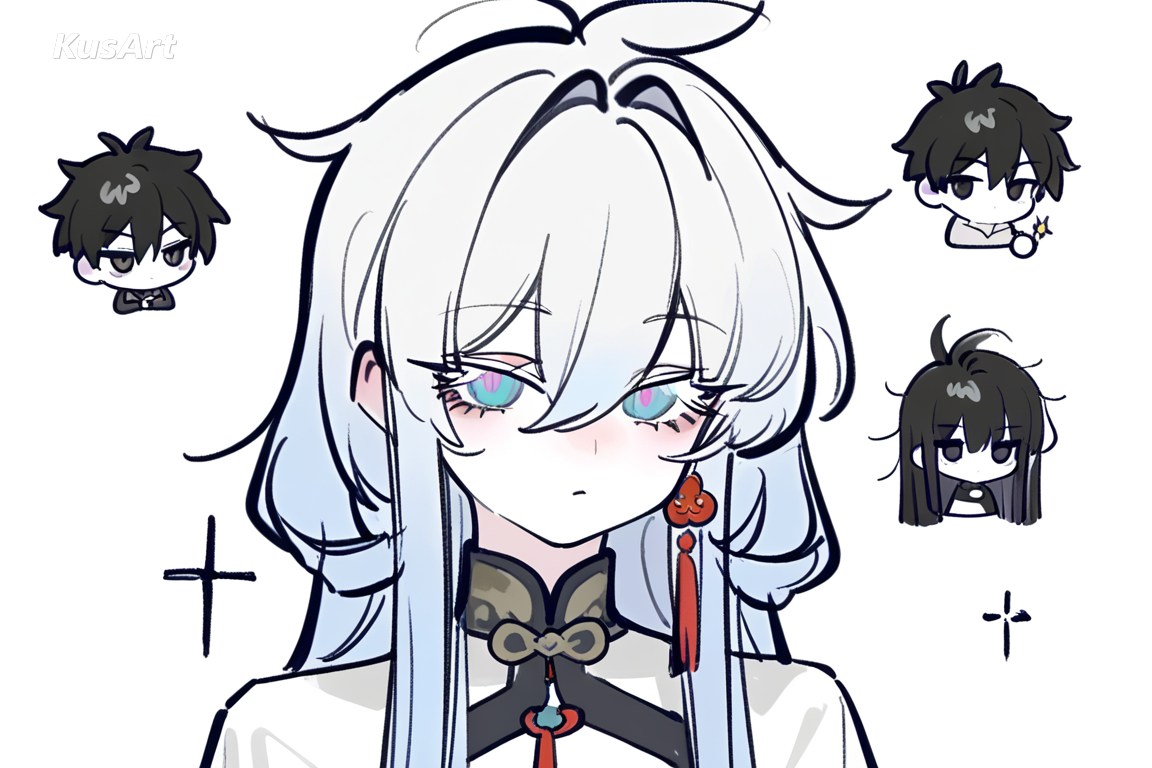
The style is literally built from sticker logic, so generating a sheet of cut-out elements around a character is its most natural output.
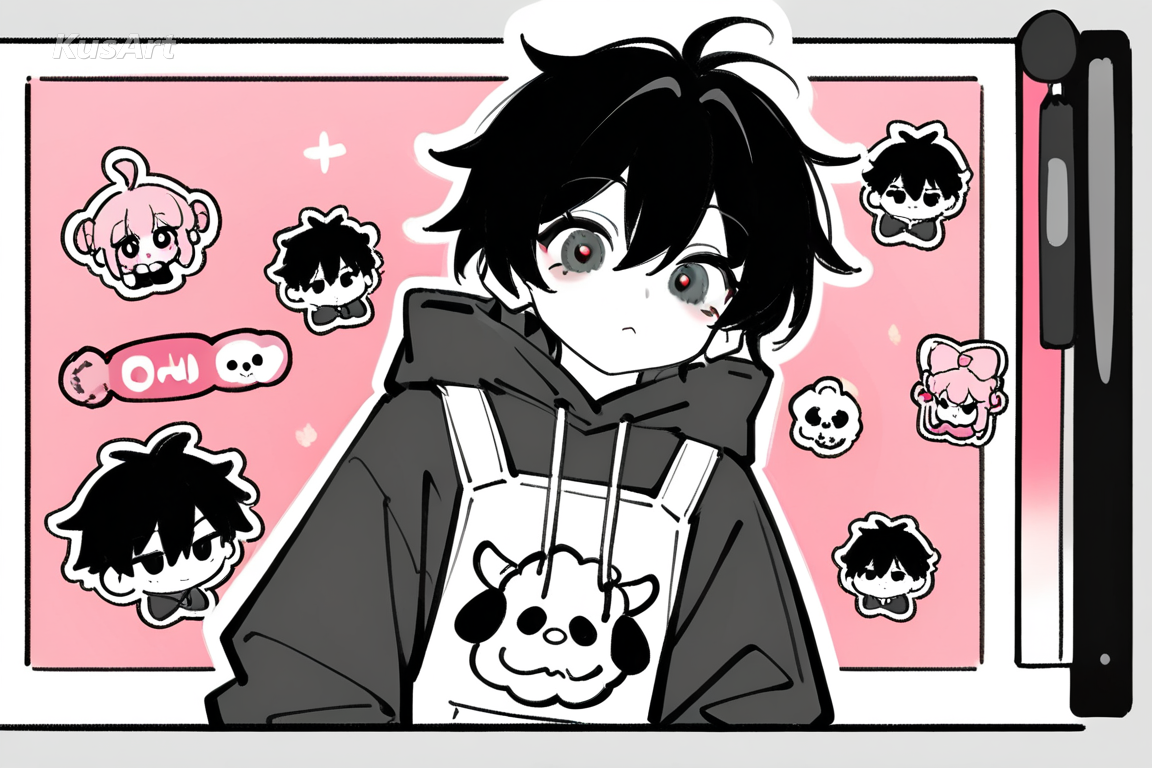
Punchy limited palettes and broken silhouettes make banners and avatars stand out in a scrolling feed where softer art disappears.
Open the KusArt Image Generator and select 'Kawaii Pop Style' from the style panel.
Describe the outfit in streetwear terms — this style puts most of its personality in clothing.
Ask for sticker elements or a tiny chibi companion to get the layered look.
Generate, then use the Sticker Generator to turn the result into a usable sheet.
It is layered character design — a streetwear-dressed figure on a flat colour backdrop, topped with white-bordered sticker cutouts, sparkles, and a tiny chibi companion.
Yes. KusArt offers free AI generation with no login required.
Chibi Sticker Cute produces individual chibi stickers. This style produces a full layout: a full-proportion character plus a sticker layer arranged as a designed composition.
That overlap is deliberate. Breaking the silhouette is what makes the image read as designed layout rather than traditional illustration.
Name specific streetwear items and ask for sticker elements. 'Oversized hoodie, cargo pants, chunky sneakers, sparkles and tiny chibi' fits the style precisely.
Images you generate are yours to download and use. Flat colour reproduces well on fabric and vinyl; check the pricing page for plan terms.
Use Kawaii Pop Style when you want streetwear characters on flat pop backdrops, layered with sticker cutouts and tiny chibi companions. It is especially useful for merch and print design, sticker sheets, and social profile art.
Start with Image Generator for the fastest prompt-first workflow. If your goal is a profile picture or avatar, Anime PFP Maker is usually the better fit. If you want to build a more structured original character workflow, move into OC Generator.
This style suits work that will end up printed on something. After your first strong result, you can carry the same look into Sticker Generator, OC Generator, and Image to Video.
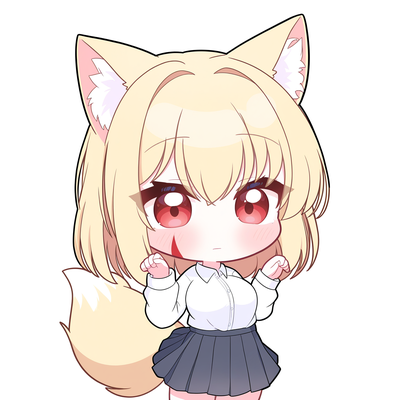
Glossy vector linework, sparkling gradient eyes, and bite-sized proportions built for cute stickers and kawaii pack art.
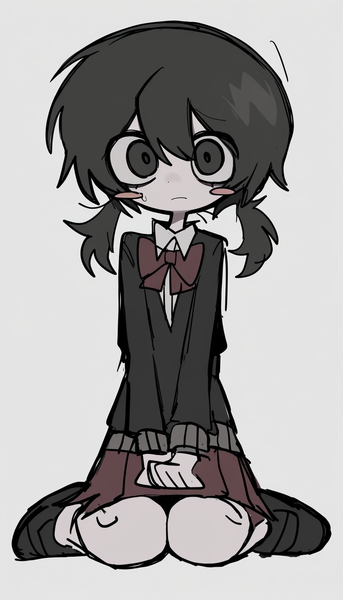
Playful, expressive sketch art with visible hand-drawn outlines and flat pop-art color for raw, spontaneous character energy.
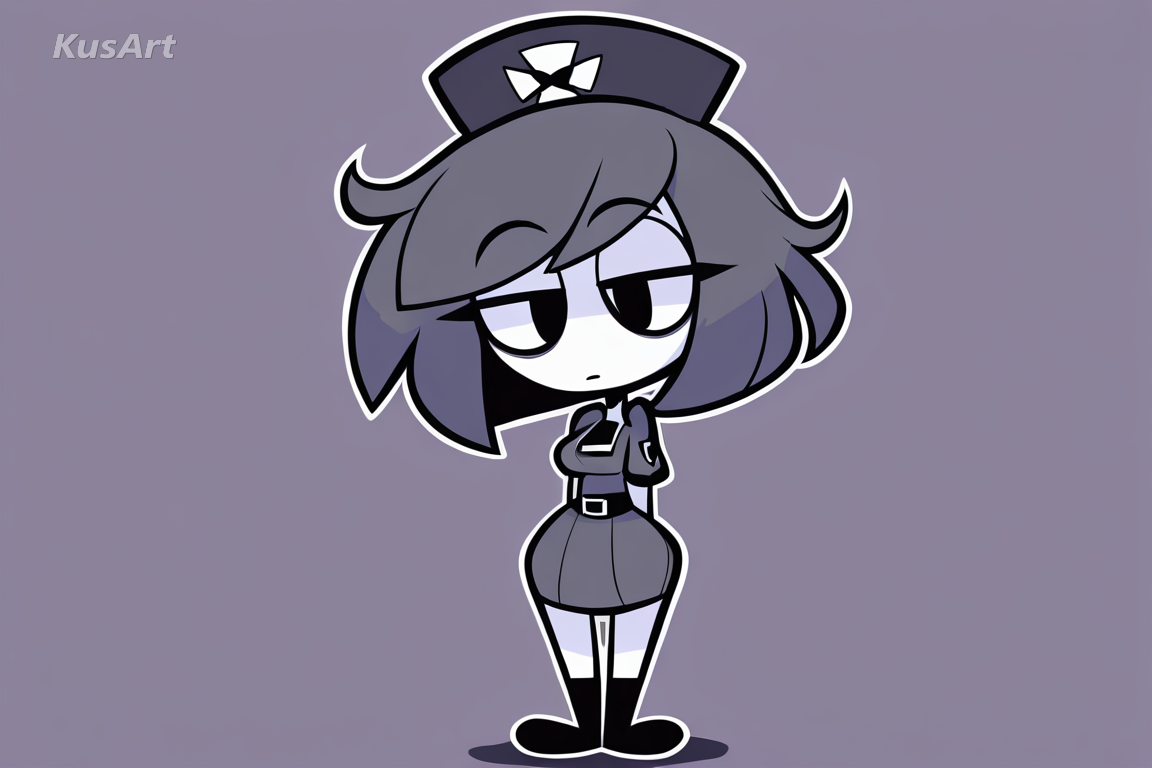
Thick uniform outlines and flat colour fills with simplified cartoon eyes and no gradients.
Generate layered streetwear character art in seconds — free, no login required.
Includes 100 free credits daily