Paint that scrapes rather than flows. Dry brush art drags a loaded-but-thirsty brush across the surface so pigment catches on the high points and skips the low ones, leaving grain through hair, fabric, and background alike. The texture is the subject as much as the character is. Palettes run warm and slightly dusty, light comes in soft and directional, and the whole image carries a tactile, canvas-like presence that smooth rendering can't imitate. Free on KusArt, no login required.
Dry brush style portraits made by the KusArt community. Click any image to see its details and try the same prompt.
Dry brush is a physical technique before it is a visual one, and understanding what the brush is doing explains everything about the look. A dry brush carries less pigment than the paper or canvas wants, so as it drags, colour catches on raised tooth and skips the valleys, producing a broken, grainy mark rather than a solid one. Reproduced digitally, that means every surface here carries texture: a cheek has grain, a sleeve has grain, and the background is often nothing but grain over a warm ground. Because the marks are broken, colour mixes optically rather than physically — a dusty rose over a warm grey reads as a third colour without either being blended away. Edges are naturally soft and irregular, since a dragged stroke cannot make a clean boundary, which gives figures a slightly dissolved, atmospheric quality. Palettes lean warm and earthy: ochres, dusty roses, muted olives, with darks that stay brown rather than going black. Light is directional but gentle, usually a single soft source that lets the texture read across the lit side. The overall effect is tactile and a little antique, closer to a gallery study than a digital illustration.
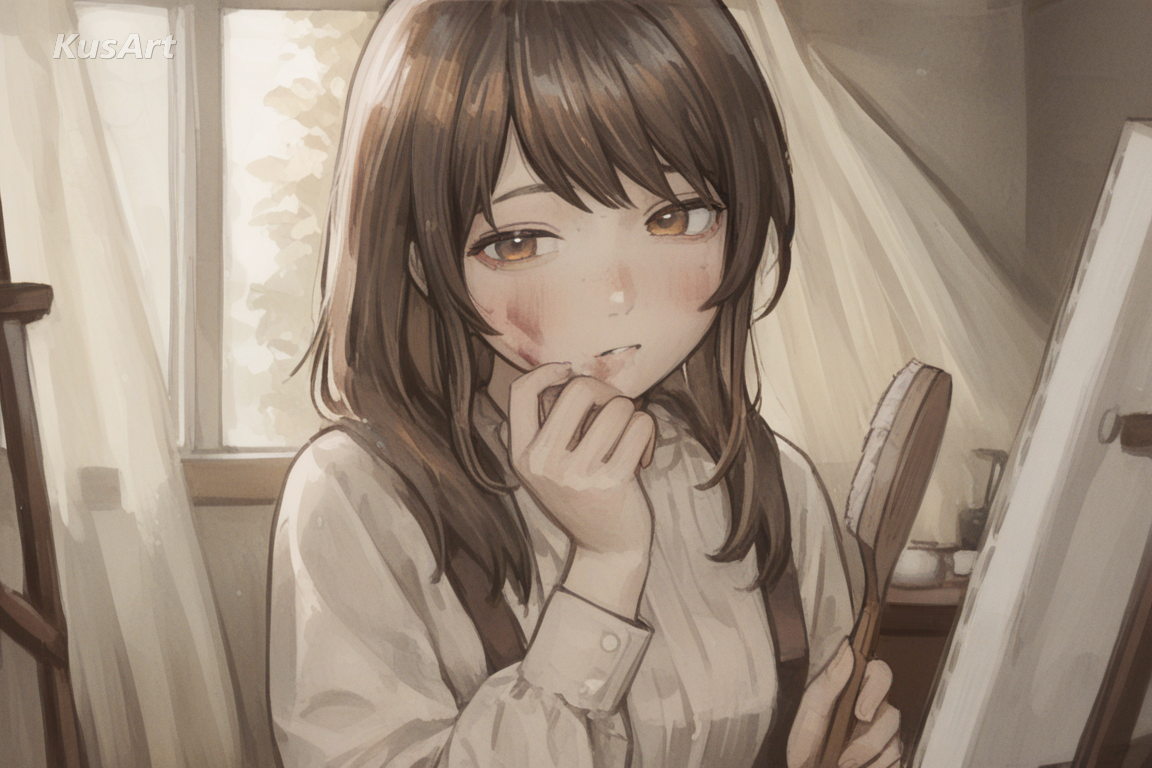
Four traits give this style its tactile, gallery-study feel.
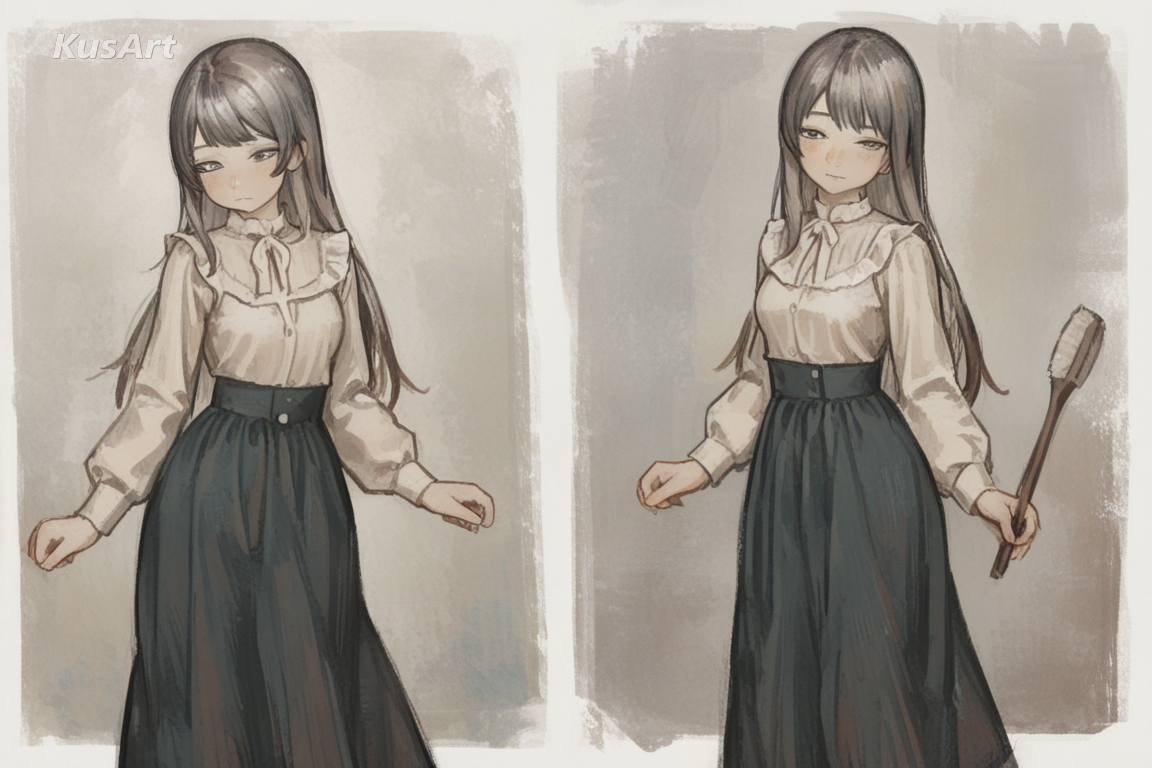
Pigment catches on the high points of the surface and skips the low ones, so every stroke reads as broken rather than solid. It is the signature of the technique.
Try Dry Brush Texture →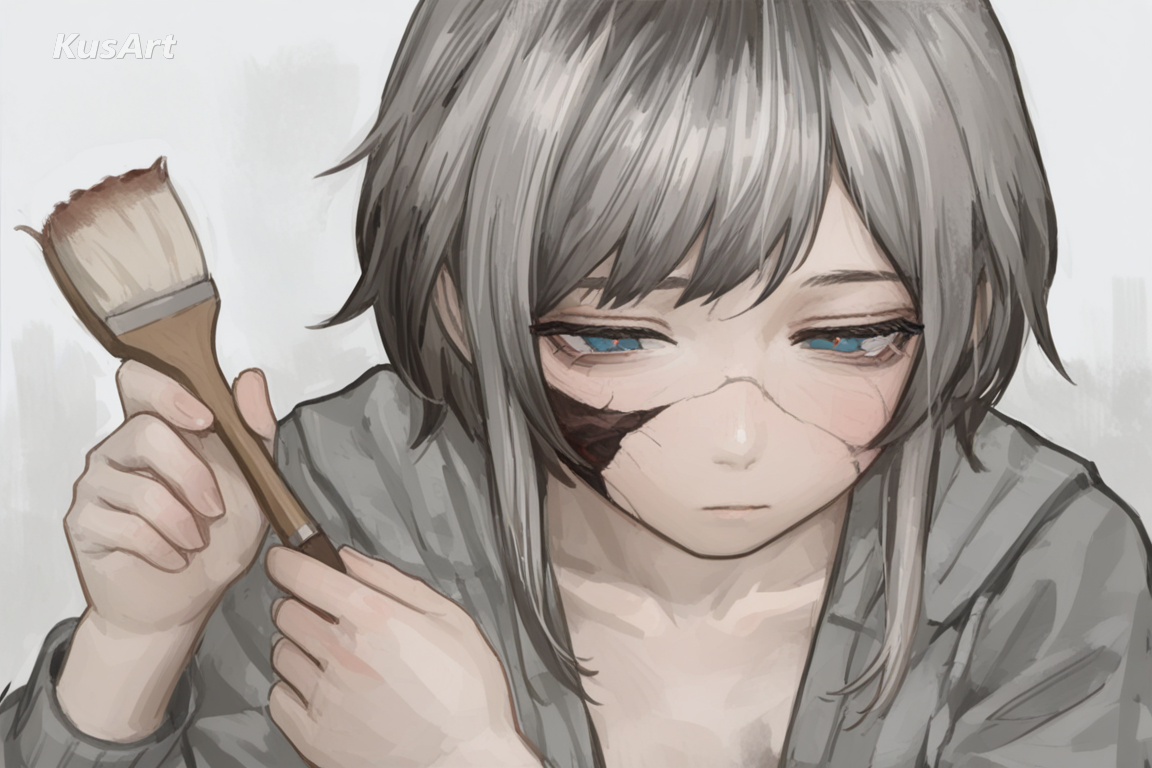
Because marks are broken, a dusty rose laid over a warm grey reads as a third colour without blending. Colour stays alive instead of going muddy.
Try Colour Layering →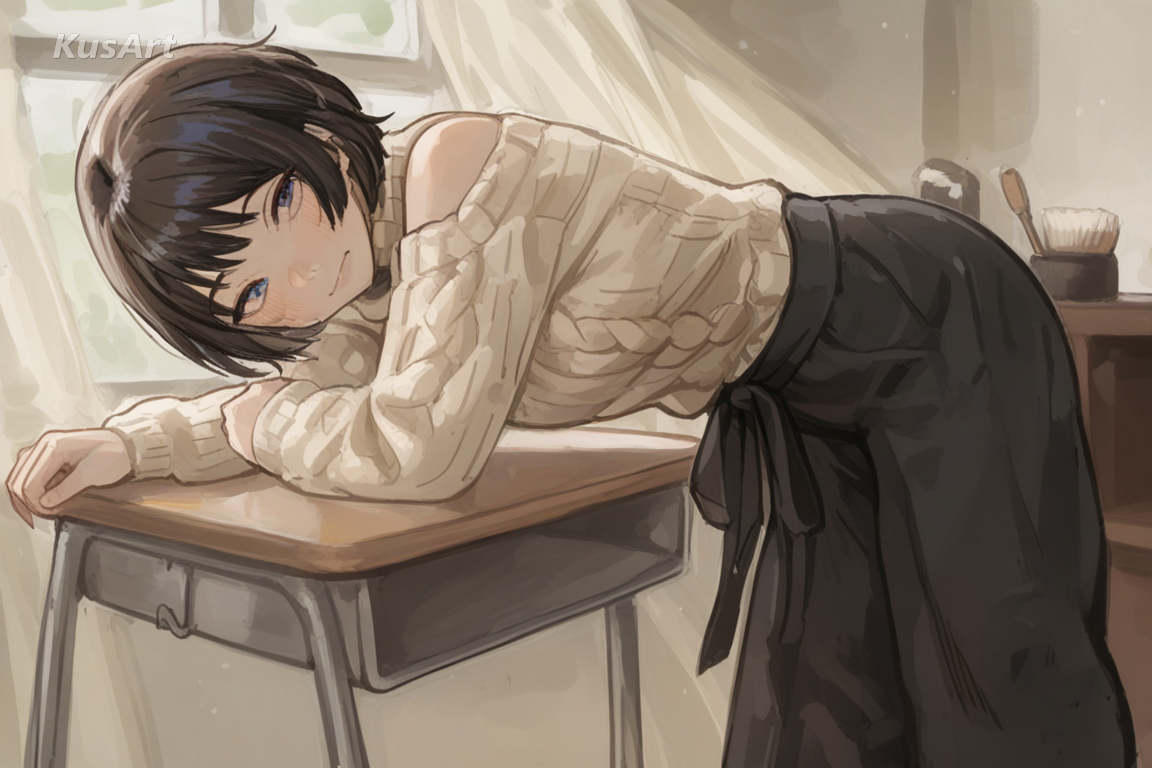
A dragged stroke cannot make a clean boundary, so silhouettes stay soft and slightly broken, giving figures an atmospheric presence.
Try Soft Silhouettes →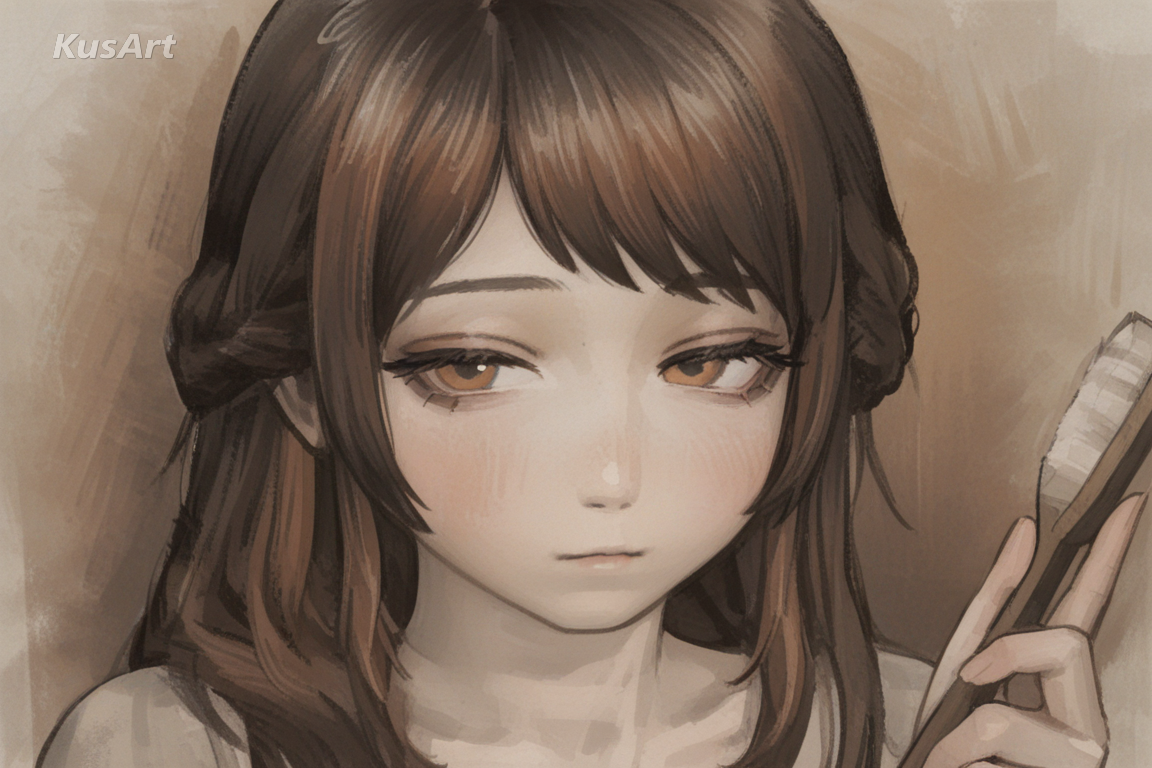
Ochres, dusty roses, and muted olives, with darks that stay brown rather than black. It is what gives results their slightly antique warmth.
Try Earth Palette →This style is worth choosing whenever texture should carry as much weight as subject.
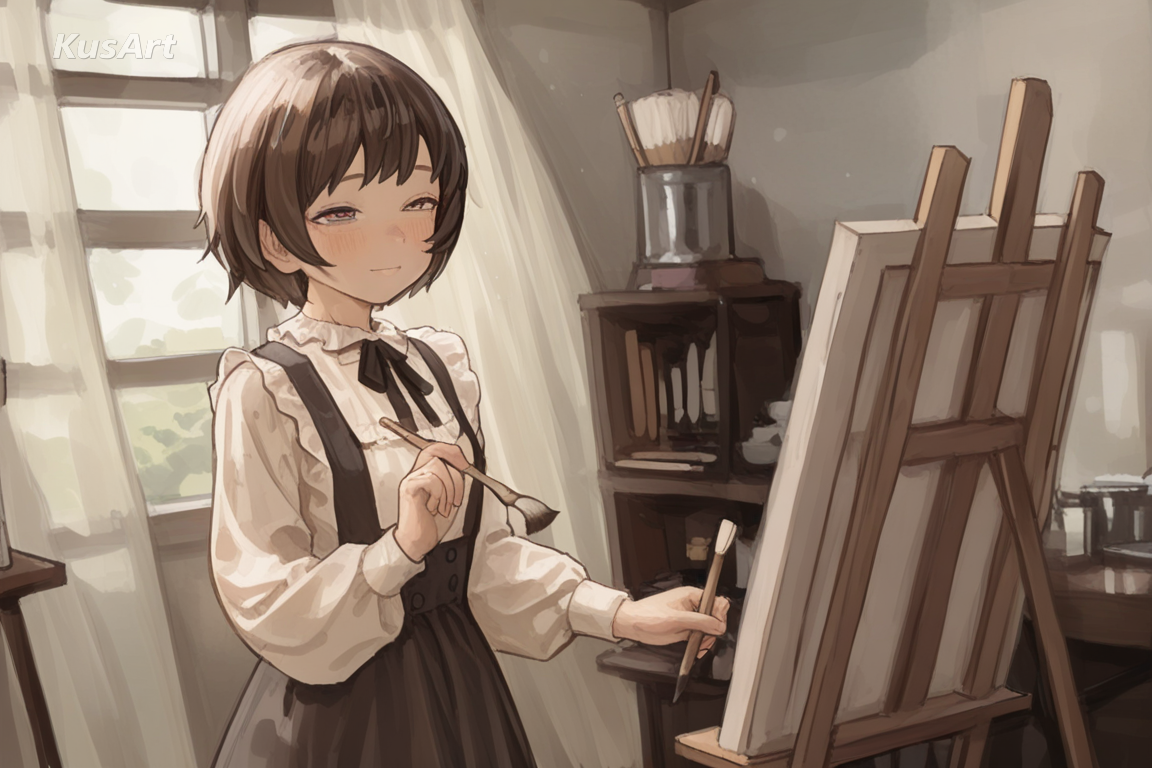
Visible grain and warm darks give a portrait the presence of a physical study rather than a digital file, which suits print and framing.
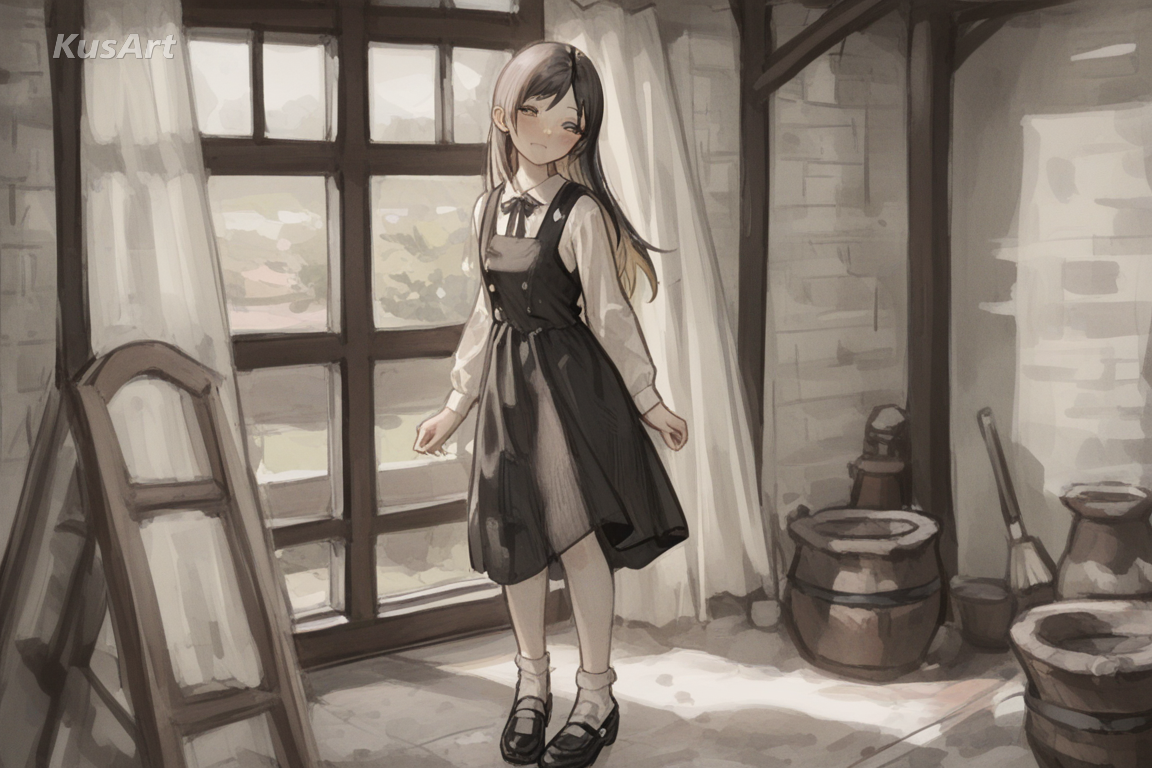
The antique warmth of the palette suits historical dress naturally, without needing any explicit ageing or filter effects.
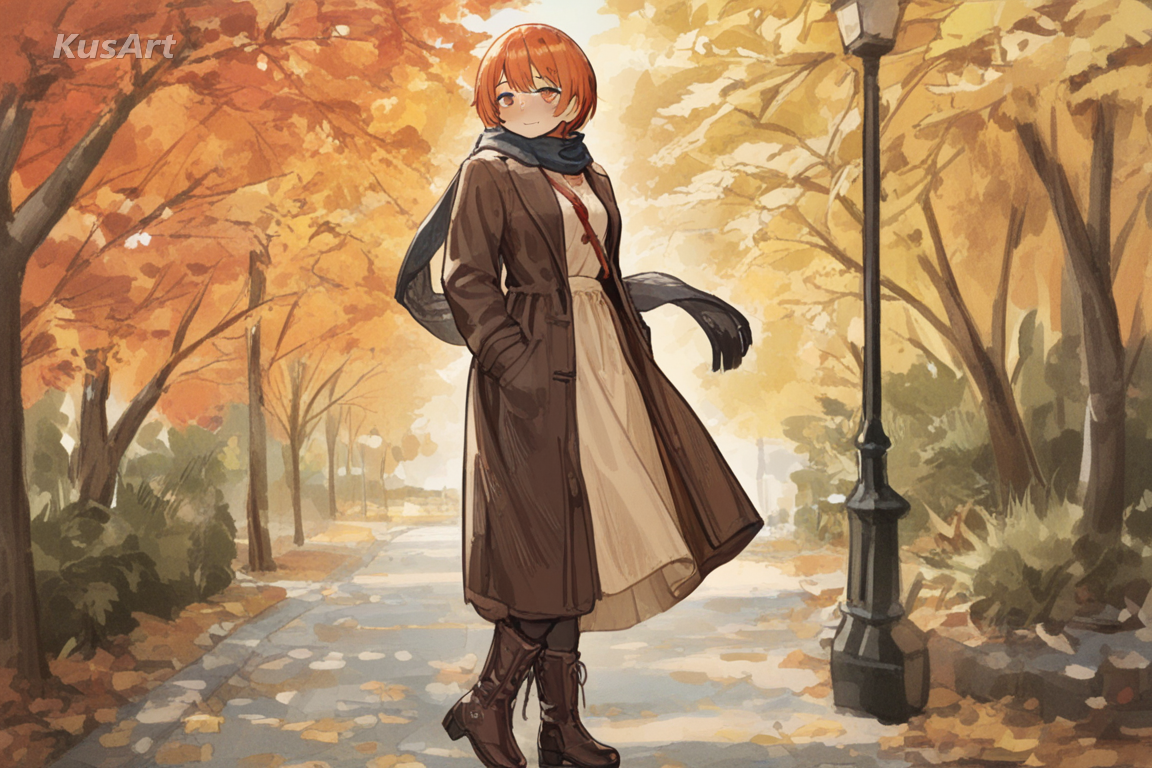
Texture survives printing beautifully, and the earthy palette gives covers a crafted, non-digital quality that stands out in a feed.
Open the KusArt Image Generator and select 'Dry Brush Elegance' from the style panel.
Describe your character and name a warm palette — ochres and dusty tones suit the technique.
Add a soft light direction so the texture reads across the lit side of the form.
Generate, then use Image-to-Image if you want heavier grain or a cleaner surface.
It is a painting technique where a brush carrying little pigment is dragged across a textured surface, so colour catches on high points and skips low ones, leaving broken grainy marks.
Yes. KusArt offers free AI generation with no login required.
Sketch Paint keeps construction lines visible under opaque strokes. Dry Brush Elegance has no visible drawing underneath — its character comes entirely from broken, grainy surface texture.
That is the technique working. Backgrounds are often nothing but grain over a warm ground, which keeps attention on the figure.
Yes, unusually well. Texture and warm darks reproduce cleanly, and the style was built around the look of physical media.
Name warm colours and a soft light direction. 'Ochre and dusty rose, soft light from the left' does more than listing costume detail.
Use Dry Brush Elegance when you want warm textured portraits where dragged dry-brush strokes leave visible grain across every surface. It is especially useful for gallery-style character studies, period and historical characters, and album art and print covers.
Start with Image Generator for the fastest prompt-first workflow. If your goal is a profile picture or avatar, Anime PFP Maker is usually the better fit. If you want to build a more structured original character workflow, move into OC Generator.
This style is worth choosing whenever texture should carry as much weight as subject. After your first strong result, you can carry the same look into OC Generator, Image to Video, and Sticker Generator.
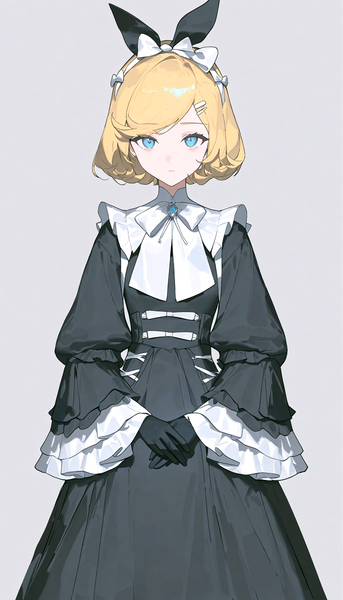
A sophisticated anime style blending muted earth tones with visible painterly brush textures for an artistic, gallery-worthy aesthetic.
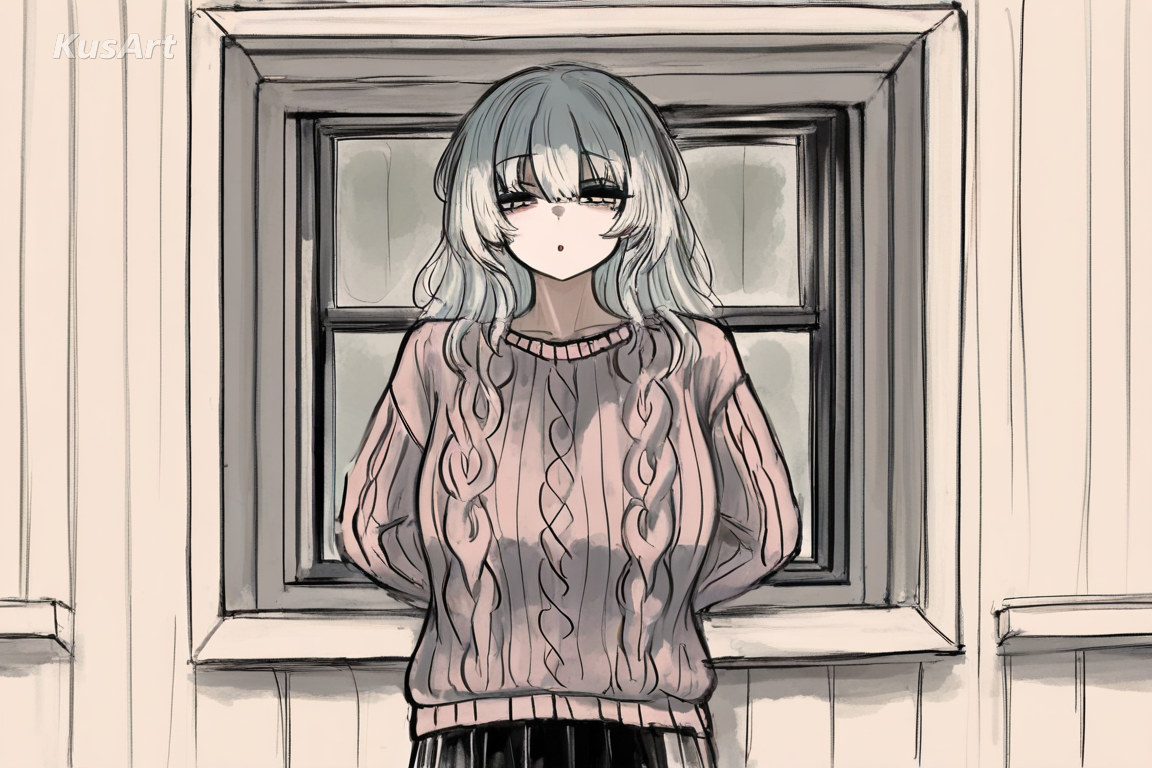
Loose painterly work that keeps its construction lines visible under the colour.
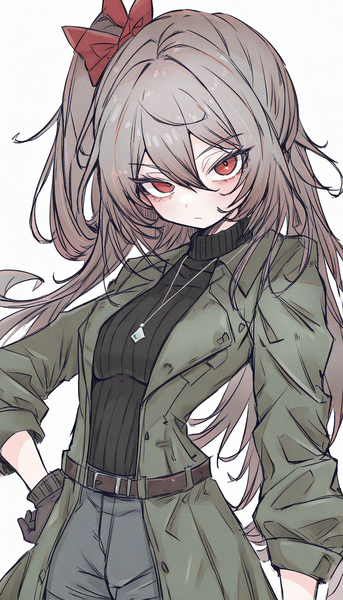
Raw yet polished linework with a textured, paper-like finish for expressive, hand-drawn character art.
Generate warm, textured painted art in seconds — free, no login required.
Includes 100 free credits daily