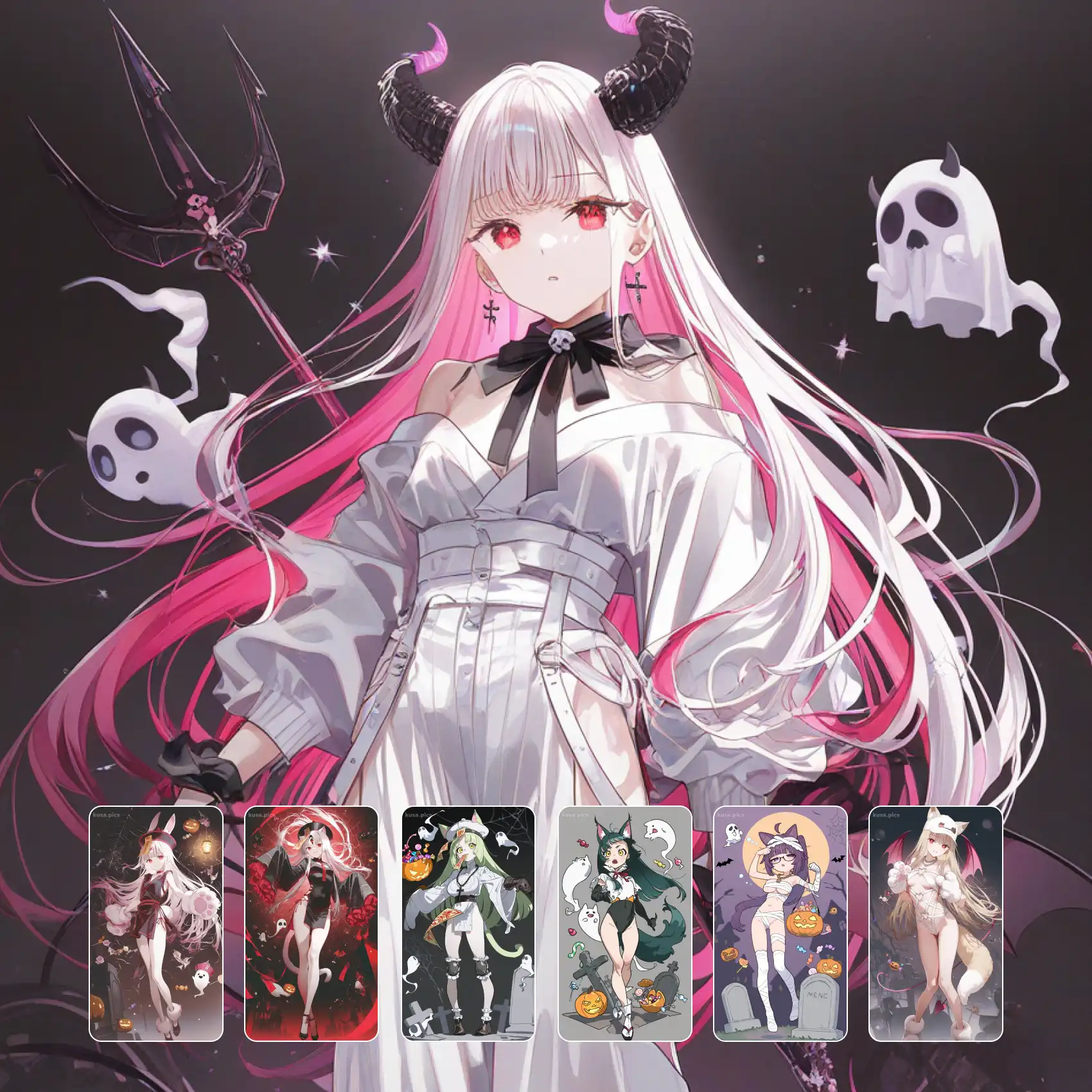
Frames that look pulled from an episode rather than drawn for a gallery. This style thinks like a camera: it picks a lens, sets a depth of field, places the subject off-centre, and lets background elements fall out of focus. Lighting comes from inside the scene — a window, a screen, a streetlamp — and colour grading unifies the frame the way a colourist would. The result reads as a still from something, which is a very different feeling from a portrait. Free on KusArt, no login required.
Cinematic anime frames created by the KusArt community. Click any image to see its details and try the same prompt.
The difference between an illustration and a film still is that a still implies everything outside the frame, and this style is built to create that implication. Composition follows camera logic rather than portrait logic: subjects sit off-centre, are often cropped by the frame edge, and are placed with headroom and lead room the way a cinematographer would block a shot. Depth of field does enormous work — a chosen focal plane keeps the face sharp while foreground objects and background detail fall away into soft bokeh, which immediately signals a lens rather than an artist. Light sources are diegetic, meaning they exist in the scene: a laptop screen underlighting a face, a window throwing a hard rectangle across a wall, neon spill from off-frame. That motivated lighting is what makes a frame feel observed rather than staged. Colour grading is applied across the whole image, usually pushing shadows toward one hue and highlights toward its complement, which unifies disparate elements the way a film grade does. Aspect ratios lean wide, and the extra horizontal space is used for environment rather than being filled with subject. The overall effect is narrative: something happened before this frame and something happens after.
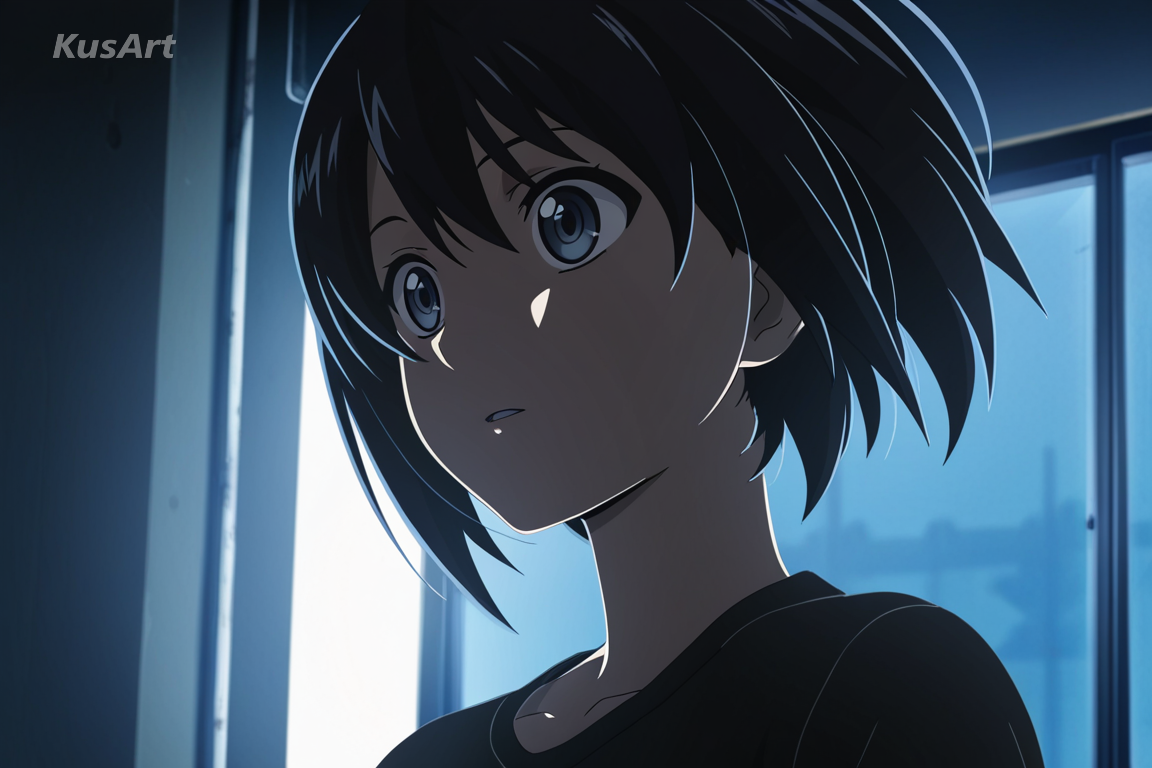
Four camera behaviours turn an illustration into a film still.
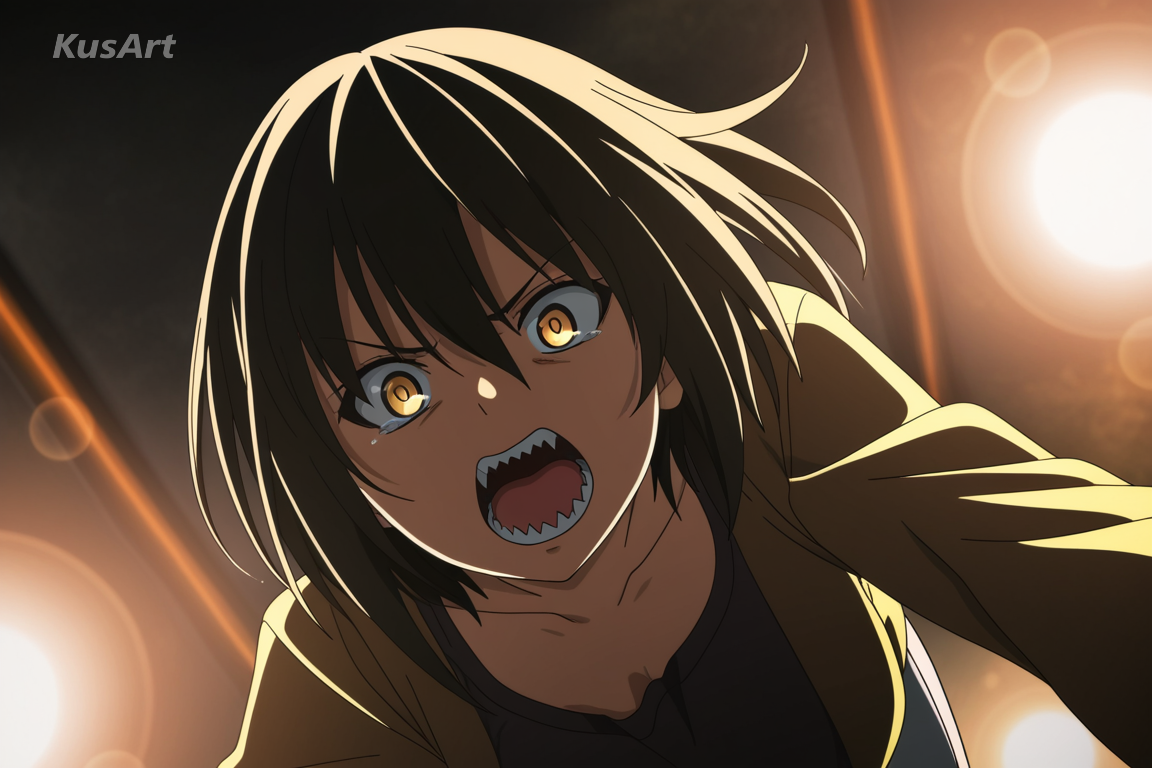
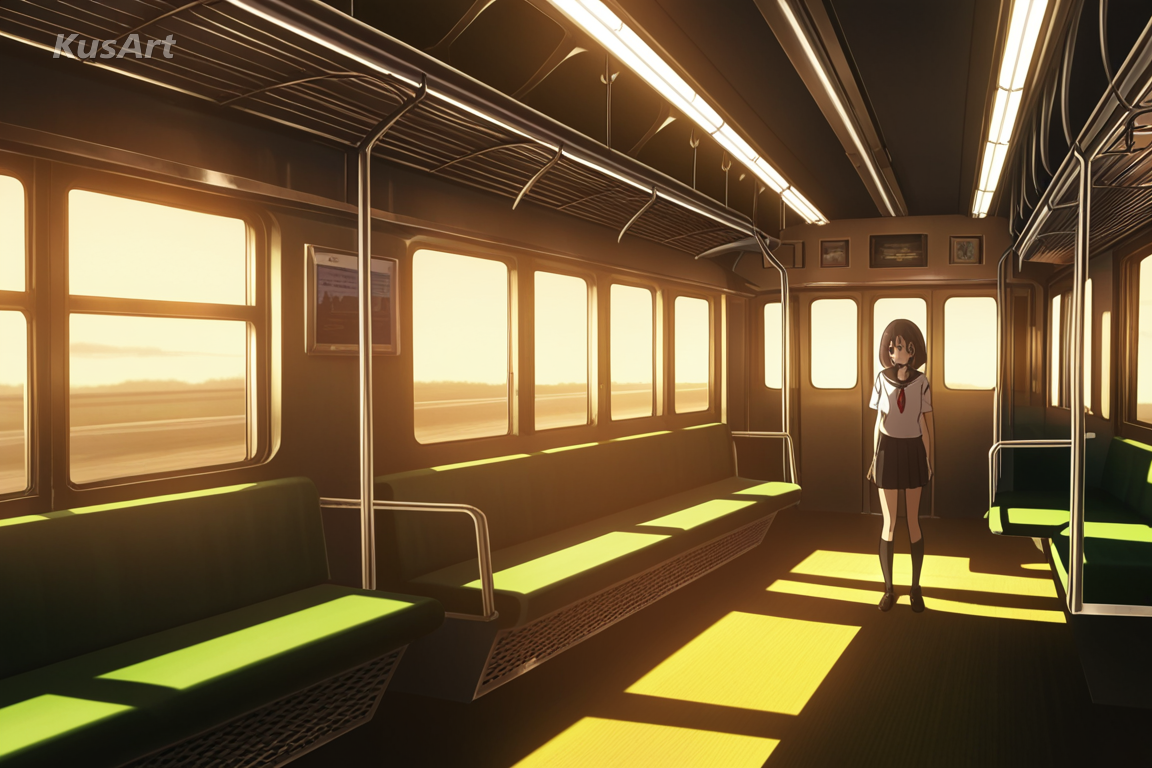
A chosen focal plane keeps the face sharp while everything else softens into bokeh. Nothing signals a lens faster than selective focus.
Try Depth of Field →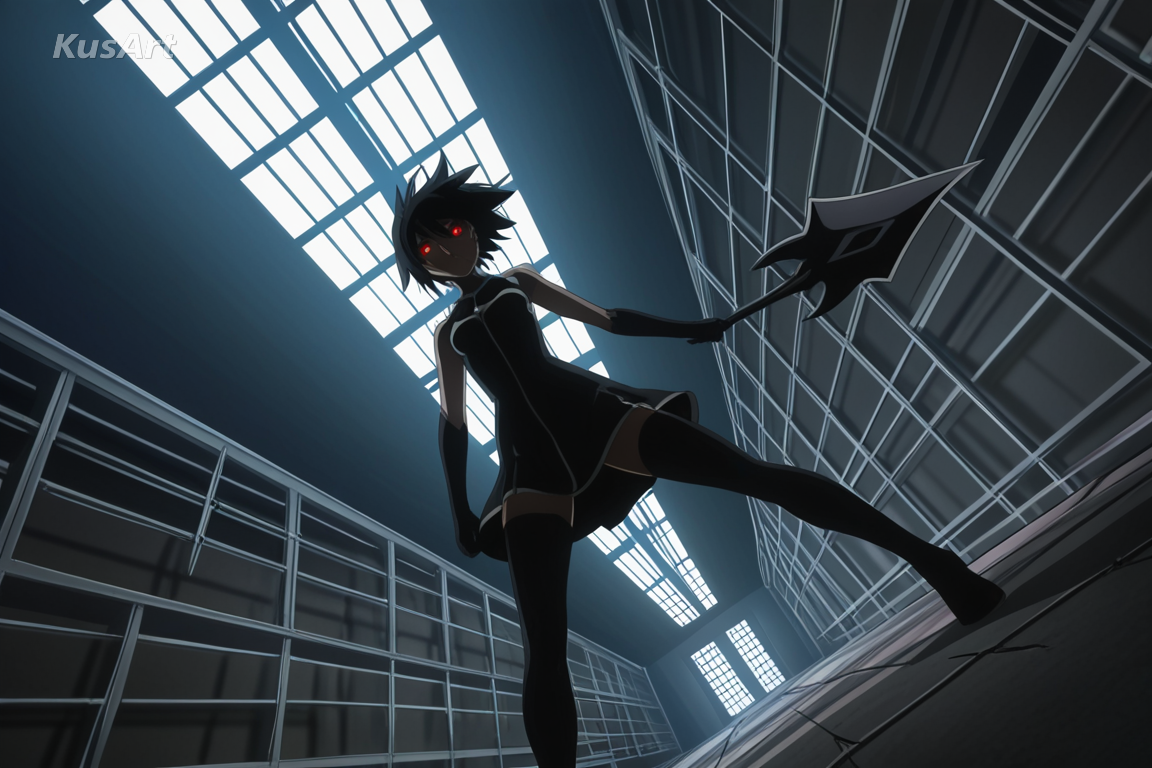
Subjects sit off-centre, sometimes cropped by the frame edge, with deliberate headroom and lead room. It is blocking rather than posing.
Try Shot Framing →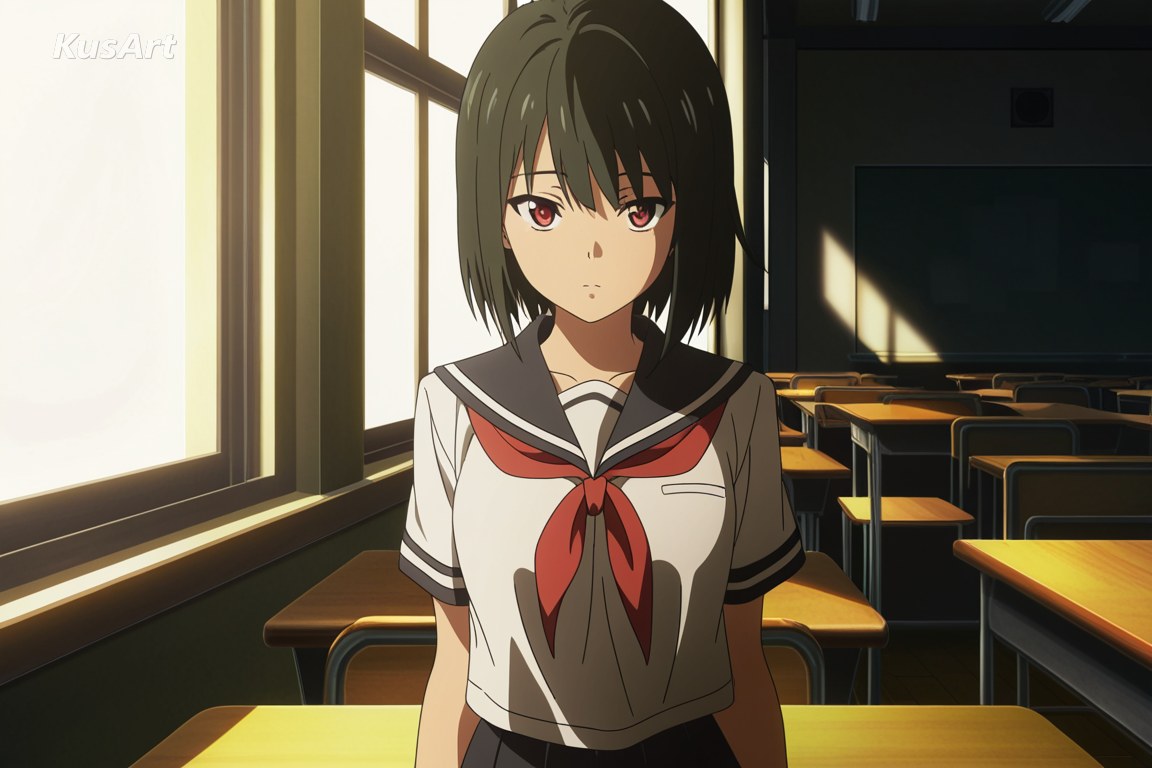
Light comes from something visible in the scene — a screen, a window, a passing car. Motivated light is what makes a frame feel observed rather than lit for effect.
Try Scene Lighting →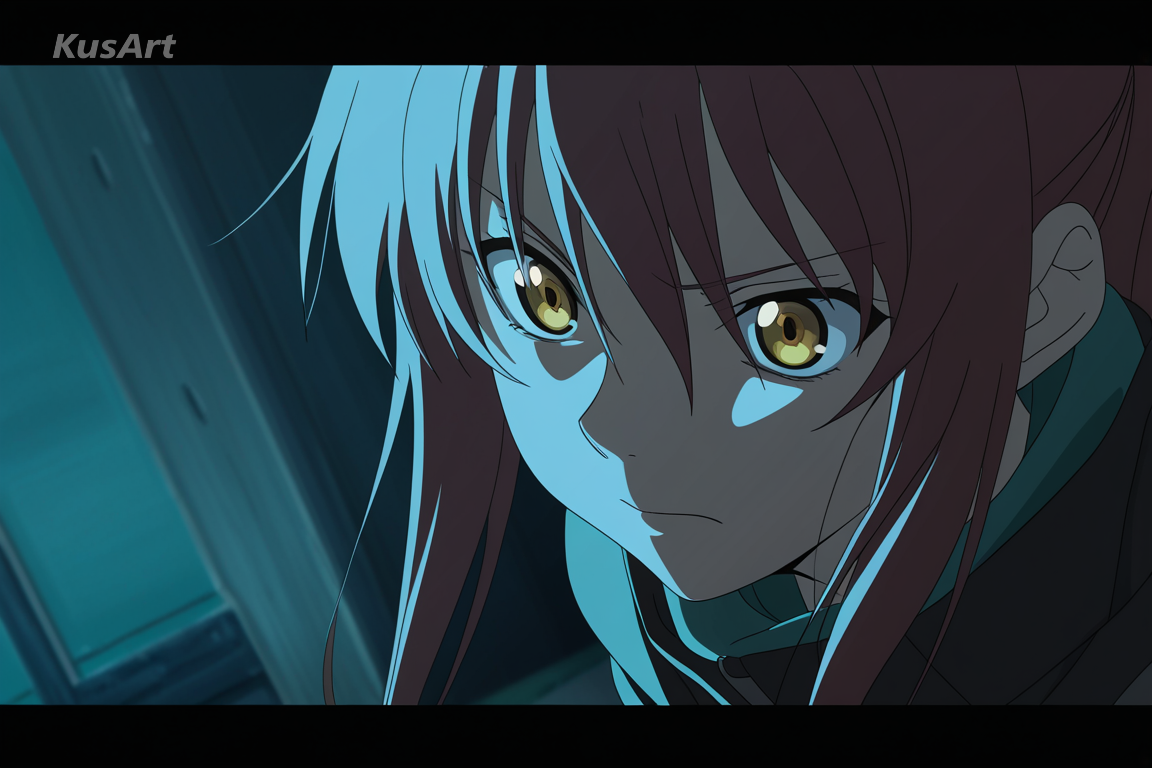
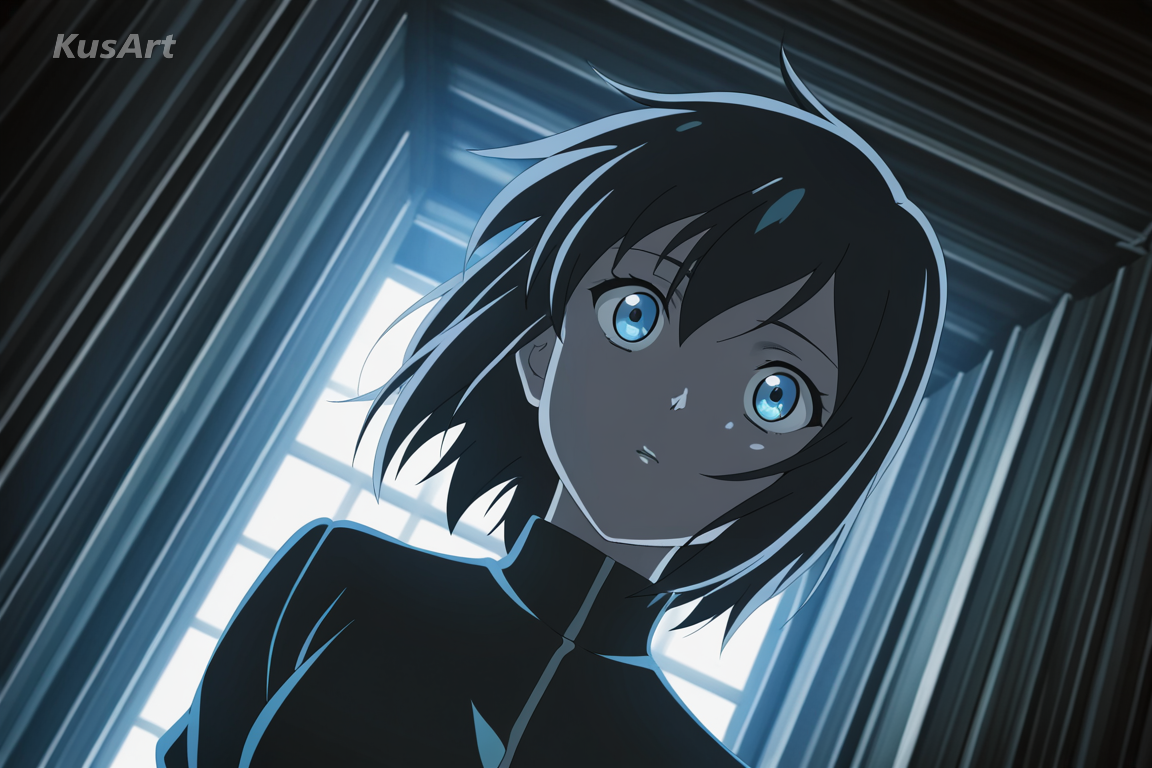
Shadows pushed toward one hue and highlights toward its complement, applied across the whole frame. It is what makes disparate elements feel like one image.
Try Colour Grading →This style is the right pick when an image should imply a story.
Camera logic and colour grading make an original scene read as though it came from a broadcast episode, which is exactly what fan stills aim for.
Shallow depth and diegetic lighting build a place convincingly, giving narrative projects atmosphere without needing detailed background art.
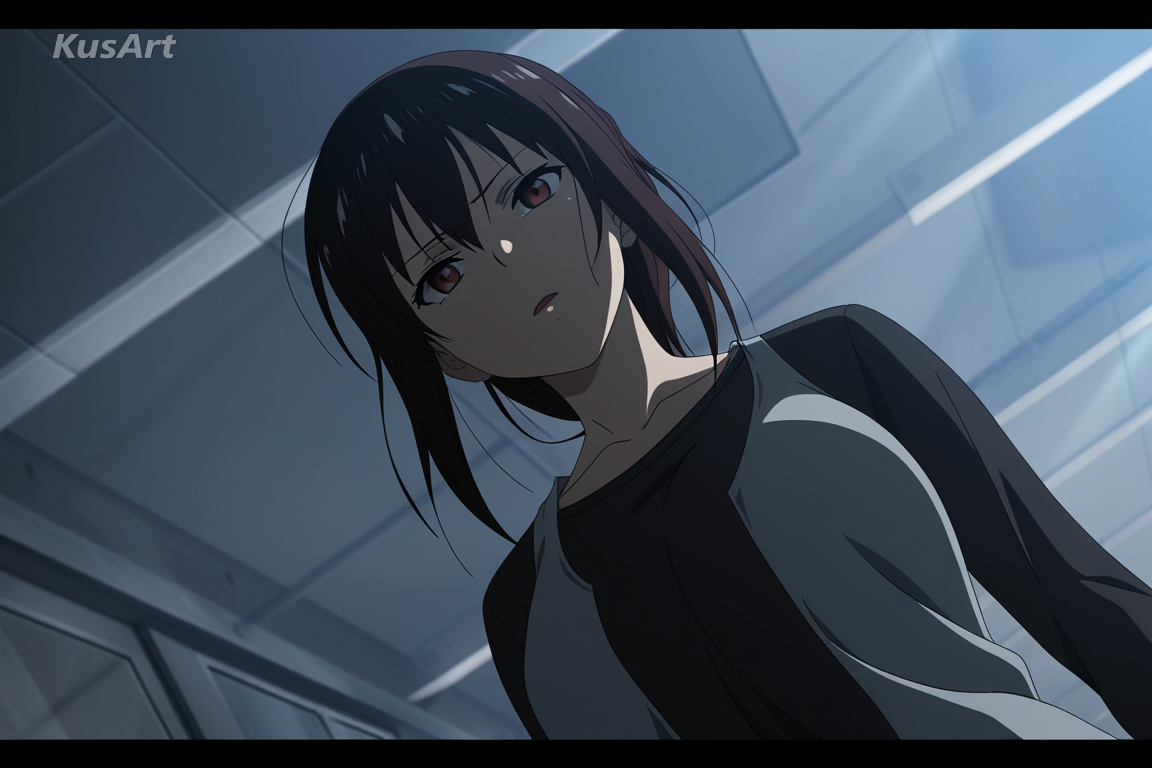
Frames that imply a larger world communicate tone to collaborators far faster than character sheets or isolated portraits can.
Open the KusArt Image Generator and select 'Cinematic Anime Snapshot' from the style panel.
Describe the scene as a shot: where the light comes from, what is in the foreground, how close the camera is.
Name a grade such as 'teal shadows, warm highlights' to unify the frame.
Generate, then use Image to Video to extend the frame into a moving shot.
It is anime art built with camera logic — shallow depth of field, off-centre framing, light motivated by something in the scene, and a unified colour grade across the whole frame.
Yes. KusArt provides free AI generation with no login required.
Cinematic Glow focuses on dramatic rim lighting and painterly atmosphere around a subject. This style reproduces the whole camera: focus falloff, shot framing, and a colour grade applied across the frame.
Describe the shot, not just the character. 'Close shot, laptop light from below, blurred bookshelf behind' will produce far better results than a costume list.
Keep the light source, grade, and location wording identical across prompts, and vary only the action. Image-to-Image helps hold continuity.
Yes, and it suits the style. The extra horizontal space is used for environment, which is what makes frames feel like stills.
Use Cinematic Anime Snapshot when you want widescreen anime frames with film lighting, shallow depth, and composed camera placement. It is especially useful for fan frames and episode stills, story and visual novel backgrounds, and mood boards and pitch decks.
Start with Image Generator for the fastest prompt-first workflow. If your goal is a profile picture or avatar, Anime PFP Maker is usually the better fit. If you want to build a more structured original character workflow, move into OC Generator.
This style is the right pick when an image should imply a story. After your first strong result, you can carry the same look into Image to Video, OC Generator, and AI Dance Generator.
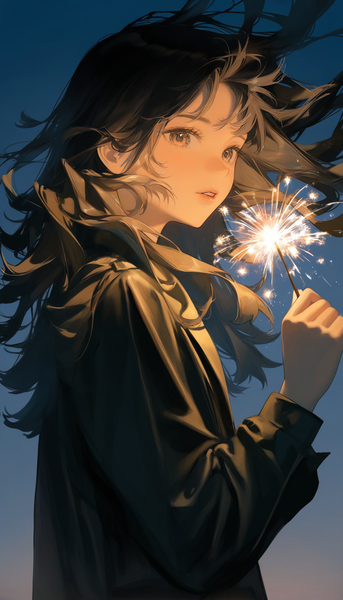
Painterly, film-like atmosphere with dramatic rim lighting and golden-hour color grading for naturalistic character illustration.
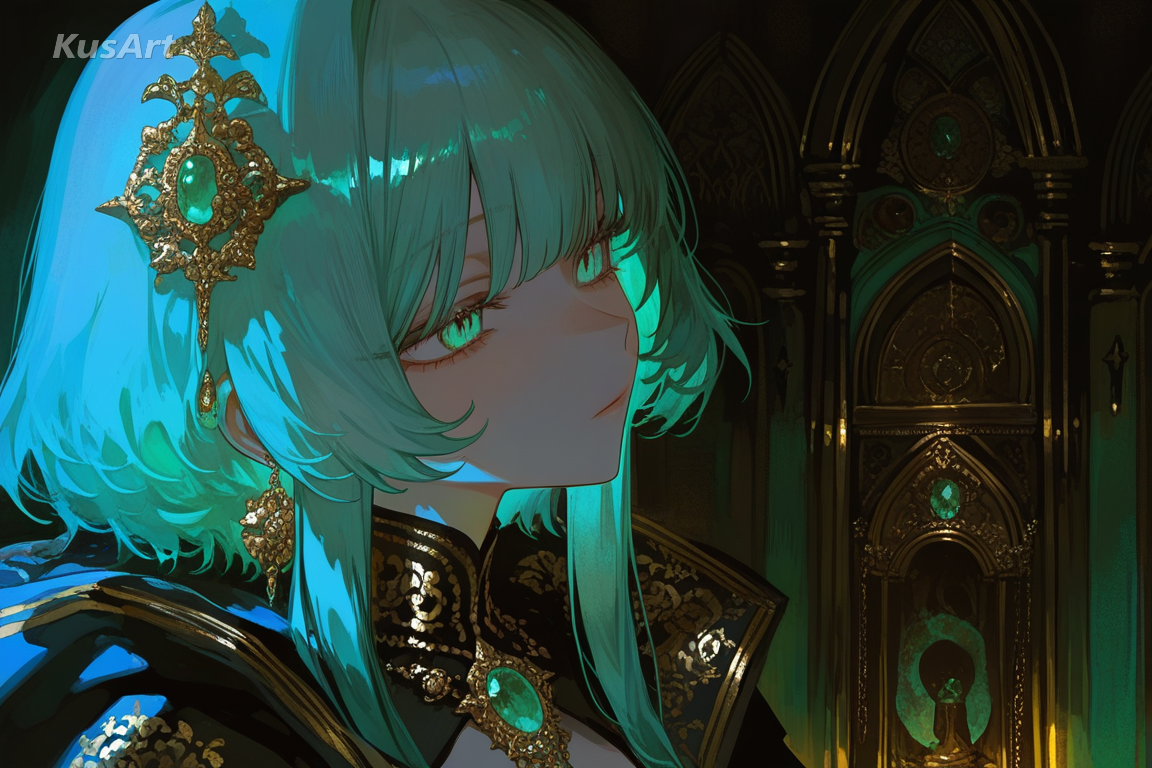
Richly costumed portraits with ornate detailing, jewel colour, and heavy atmospheric light.
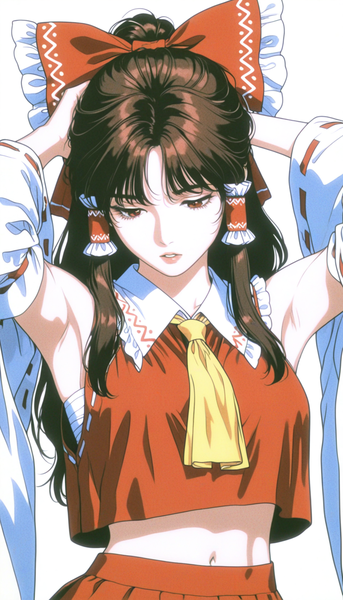
Sharp VHS-era linework, rich color, and grounded detail for nostalgic, artbook-style character portraits.
Generate film-still anime frames in seconds — free, no login required.
Includes 100 free credits daily